Technical SEO services are the process of optimizing the infrastructure of a website, its speed, crawlability, indexation, mobile experience, security, and code, so that search engines can find, understand, and rank its pages. At Kash Digital Marketing, our technical SEO services diagnose and fix the hidden problems that silently cap your rankings no matter how good your content is: slow pages, broken crawl paths, duplicate content, missing structured data, and dozens of other issues most business owners never see.
Technical SEO is the foundation everything else sits on. You can publish brilliant content, build powerful backlinks, and optimize your Google Business Profile to perfection, but if Google can't crawl your site efficiently, if your pages take eight seconds to load, or if half your pages are fighting each other for the same keyword because of a duplicate content problem, none of that other work reaches its full potential. This page explains everything our technical SEO services include, how a technical SEO audit works, what the most common technical problems are, and how to get started with a free technical SEO audit.
Whether you're running a WordPress site that's accumulated years of plugin bloat, an ecommerce store with thousands of product pages and a duplicate-content nightmare, or a business that just migrated to a new domain and watched its traffic collapse overnight, this guide walks through exactly what strong technical SEO involves. We've written it to be genuinely useful on its own, not just a sales pitch, so by the end you'll understand what a competent technical SEO provider actually does and be able to judge any agency, including us, against a clear standard. If you'd rather skip straight to seeing where your site stands today, the free audit is the fastest way to find out.
⭐ 5.0 rating · ✅ Google & Meta certified · ⚡ Reply usually within an hour · 🛡️ 100% white-hat · 🇺🇸 Serving US local businesses
What Are Technical SEO Services and Why They Matter
Technical SEO services optimize the non-content parts of your website, its code, speed, structure, and server configuration, so search engines can efficiently crawl, index, and rank your pages. Where content SEO answers "what should this page say," technical SEO answers "can Google even find, load, and understand this page in the first place." Both matter, but technical problems are more dangerous because they can silently cap or erase the value of everything else you do.
Think of technical SEO as the plumbing and electrical wiring of a house. Nobody buys a house because of its plumbing, they buy it for the kitchen, the layout, the neighborhood. But if the pipes leak or the wiring is faulty, none of those selling points matter, the house simply doesn't function. Technical SEO works the same way: it's rarely what makes a site look impressive to a visitor, but when it's broken, everything built on top of it, your content, your links, your local SEO, underperforms or fails outright. Our technical SEO services exist to make sure that foundation is solid, so every other investment you make in your website actually pays off.
Technical SEO versus on-page and off-page SEO
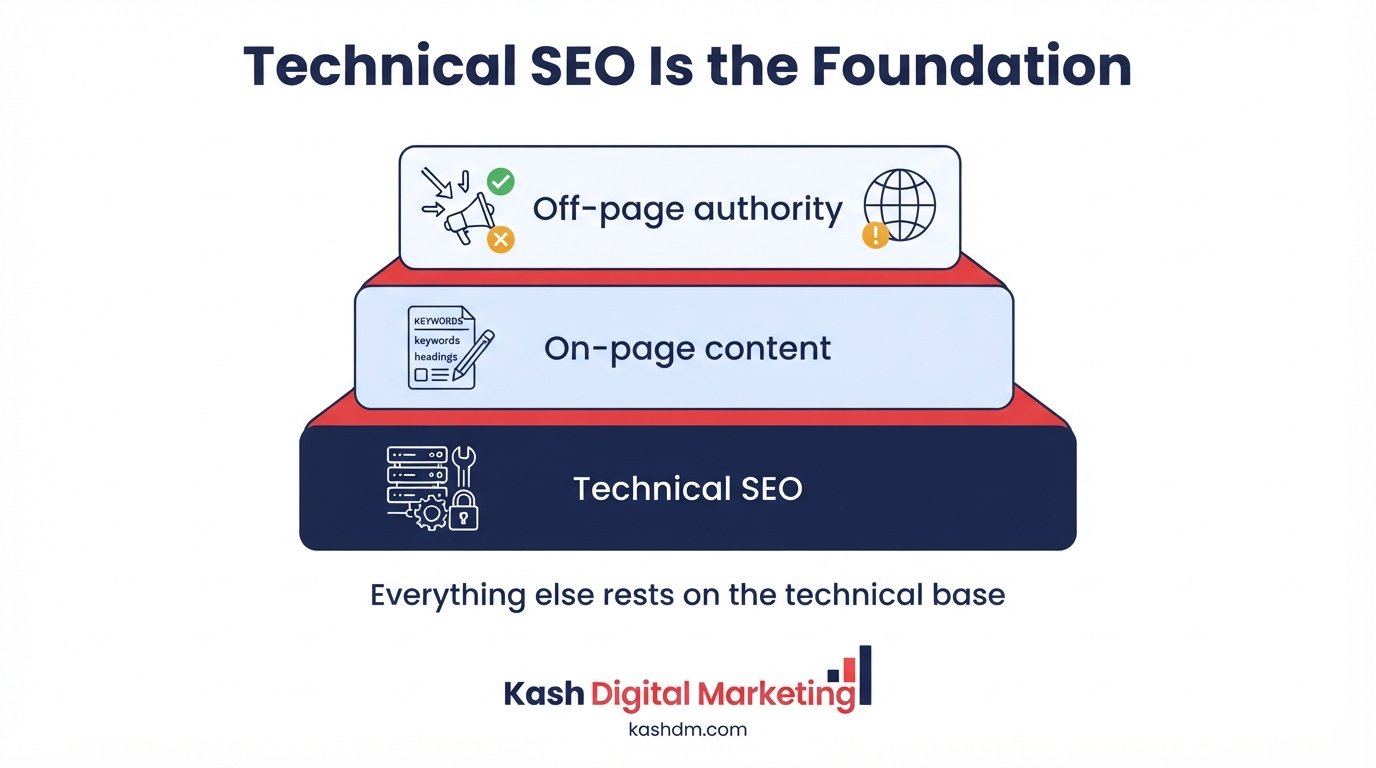
Technical SEO, on-page SEO, and off-page SEO are the three pillars of a complete search strategy. Technical SEO makes your site crawlable and fast; on-page SEO makes each page relevant to its target keyword; off-page SEO builds the authority and trust that let you outrank competitors. A site can have excellent content and strong backlinks and still underperform if its technical foundation is weak, which is why we never treat technical SEO as optional, it's the prerequisite that lets our content and link building work actually convert into rankings.
Who needs technical SEO services
Every website benefits from technical SEO, but the businesses that need it most urgently are ecommerce stores with large product catalogs, sites that have recently migrated or redesigned, WordPress sites accumulated over years, and any business whose rankings have unexplainably stalled or dropped. If your site is slow, if Google Search Console shows crawl errors, or if pages you expect to rank simply don't appear in search results, technical SEO is very likely the missing piece.
Technical SEO as ongoing maintenance, not a one-time fix
A common misconception is that technical SEO is a project you complete once and never revisit. In reality, websites are living systems: plugins update, content gets added, developers make changes, and each of these can introduce new technical issues. A site that passed a technical audit a year ago can easily have accumulated new problems since. Our technical SEO services include ongoing monitoring precisely because the businesses that treat technical health as a continuous discipline consistently outrank those who treat it as a box to check once and forget.
Technical SEO Audit Services: What We Check and Why
A technical SEO audit is a comprehensive diagnostic review of a website's crawlability, indexation, speed, mobile experience, security, and code that identifies every issue holding back its search rankings. Our technical SEO audit services are the starting point of every technical engagement, because you can't responsibly fix what you haven't fully diagnosed, and prioritizing fixes without a clear picture of the whole site often wastes time on low-impact issues while real problems keep costing you rankings.
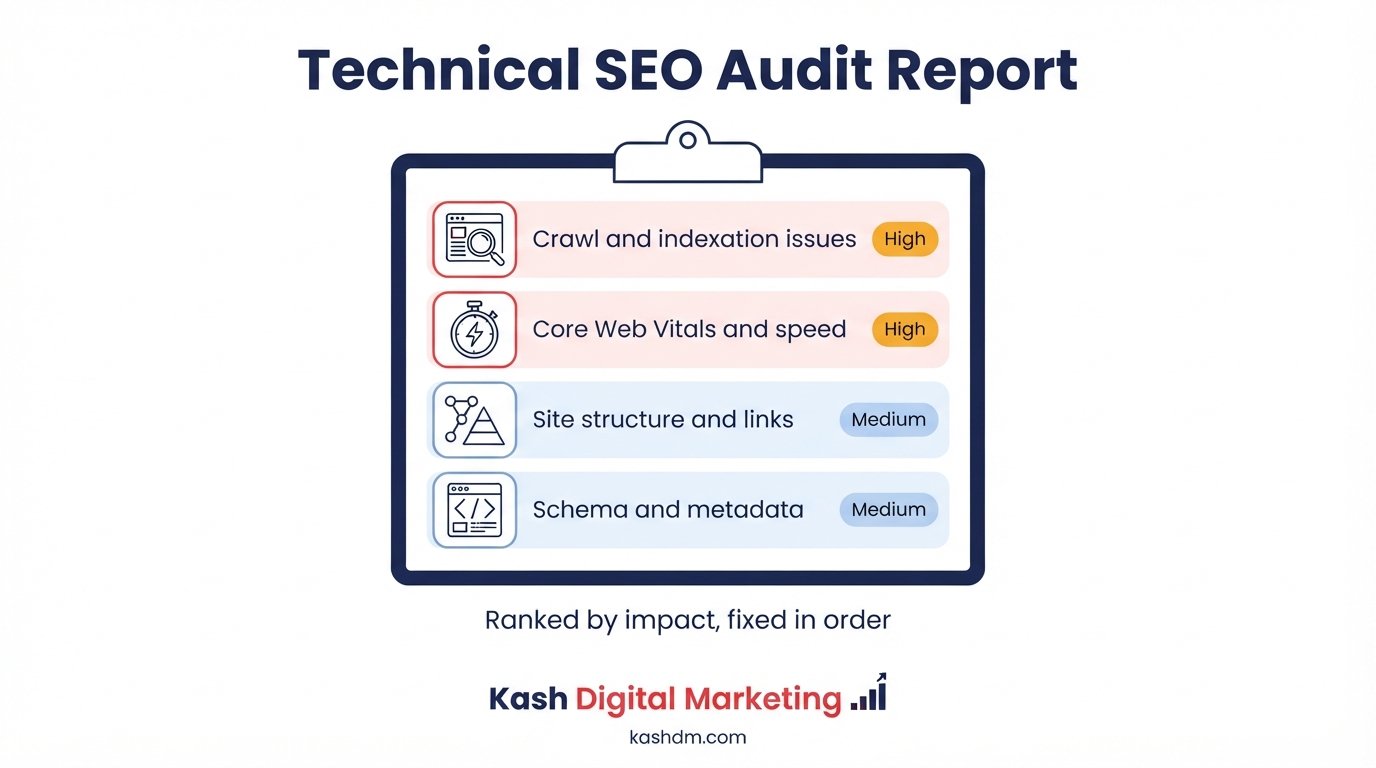
We run a structured audit covering crawlability, indexation, site architecture, page speed, Core Web Vitals, mobile usability, HTTPS and security, structured data, duplicate content, and any JavaScript rendering issues. The result is a prioritized list of fixes, ranked by the impact they'll have on your rankings and the effort required to implement them, so you always know what to tackle first.
What a proper technical SEO audit covers
A thorough audit examines dozens of factors: indexation status of every important page, crawl budget efficiency, internal link structure, page speed and Core Web Vitals scores, mobile usability, HTTPS implementation, canonical tags, structured data validity, duplicate content, broken links and redirect chains, and XML sitemap accuracy. We use a combination of automated crawling tools, Google Search Console data, and manual review to catch issues that automated tools alone miss.
Prioritizing fixes by impact, not by volume
A raw audit report can list hundreds of "issues," most of which are trivial. The skill in a genuinely useful technical SEO audit is separating the handful of issues actually suppressing your rankings from the noise. We categorize every finding by its likely impact on rankings and traffic and the effort required to fix it, so your team, or ours, spends time on the changes that move the needle first rather than working through an alphabetized checklist that treats a missing alt tag with the same urgency as a noindex tag on your homepage.
Auditing tools we use
| Tool | What it's used for |
|---|---|
| Google Search Console | Indexation status, crawl errors, Core Web Vitals field data, manual actions |
| Screaming Frog | Full-site crawl, broken links, duplicate titles, redirect chains |
| Google PageSpeed Insights / Lighthouse | Core Web Vitals lab data, speed diagnostics |
| Google Analytics 4 | Traffic patterns, page-level engagement, drop-off points |
| Ahrefs / Semrush site audit | Backlink health, additional crawl diagnostics |
| Server log files | Real Googlebot crawl behavior, wasted crawl budget |
What you receive from a technical SEO audit
Every audit ends with a clear, written report: a prioritized list of issues, plain-English explanations of why each one matters, and a recommended order of fixes. This isn't a wall of jargon handed over and forgotten, it's a working document we use together to plan the engagement, and it's yours to keep whether or not you continue working with us. Businesses that have never had a proper audit are often surprised at how many of their ranking struggles trace back to a small number of fixable technical issues, sometimes a single misconfigured redirect or an accidentally noindexed template is quietly suppressing dozens of pages at once.
Core Web Vitals Optimization: Meeting Google's Speed Standard
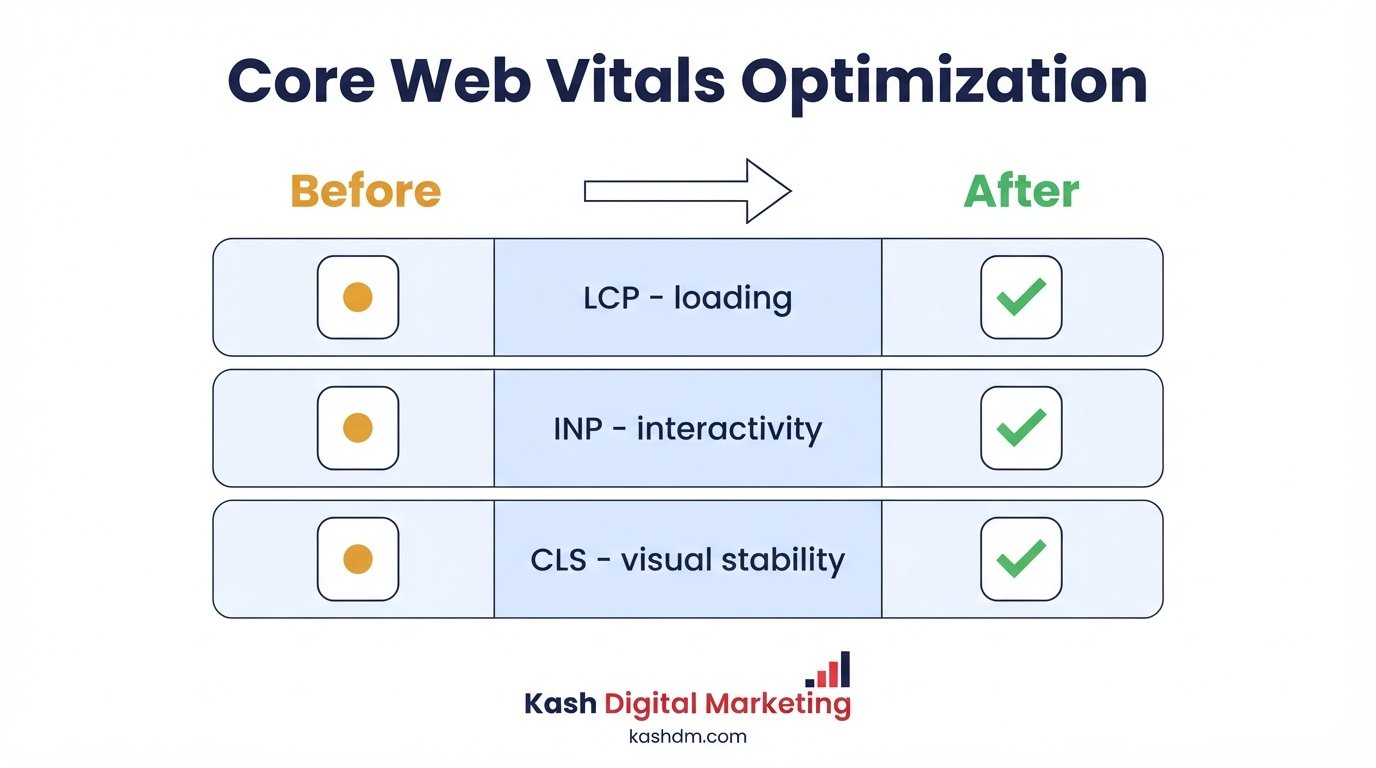
Core Web Vitals optimization is the process of improving the three metrics Google uses to measure real-world page experience, Largest Contentful Paint, Interaction to Next Paint, and Cumulative Layout Shift, so pages load fast, respond quickly, and stay visually stable. These metrics are a confirmed Google ranking factor and, more importantly, they directly affect whether visitors stay on your site or bounce back to search results in frustration.
Our Core Web Vitals optimization work targets each metric individually, because the fix for a slow Largest Contentful Paint is different from the fix for layout shift, and a generic "make it faster" approach often improves one metric while leaving another untouched.
Understanding LCP, INP, and CLS
Largest Contentful Paint (LCP) measures how long it takes for the largest visible element, usually a hero image or headline, to render. Interaction to Next Paint (INP) measures how responsive your page feels when a visitor clicks, taps, or types. Cumulative Layout Shift (CLS) measures how much content unexpectedly jumps around as a page loads. Google's target thresholds are an LCP under 2.5 seconds, an INP under 200 milliseconds, and a CLS score under 0.1. We benchmark your site against each threshold and build a fix plan around whichever metrics are failing.
Common causes of poor Core Web Vitals
| Metric | Common causes | Typical fixes |
|---|---|---|
| LCP | Unoptimized hero images, slow server response, render-blocking CSS/JS | Image compression, server-side caching, critical CSS inlining |
| INP | Heavy JavaScript execution, third-party scripts, large DOM size | Code splitting, deferring non-critical scripts, reducing DOM depth |
| CLS | Images without dimensions, injected ads, web fonts causing text reflow | Explicit width/height attributes, reserved ad space, font-display optimization |
Server, hosting, and caching improvements
Many speed problems trace back to the server itself rather than the front-end code. We evaluate your hosting environment, implement server-side and browser caching, enable compression, and recommend a content delivery network (CDN) when your audience is geographically spread out. These infrastructure-level fixes often produce the single largest speed gains, because they lower the baseline response time every page inherits before any front-end optimization even begins.
Monitoring Core Web Vitals over time
Core Web Vitals aren't a one-time fix and forget metric, they drift as you add content, plugins, and third-party scripts. We set up ongoing monitoring through Google Search Console's Core Web Vitals report and periodic Lighthouse checks, catching regressions before they accumulate into a real ranking problem. A site that passed its Core Web Vitals assessment at launch can quietly fail it again six months later after a few plugin updates and a new tracking script, so we build monitoring into every ongoing technical SEO engagement rather than treating the fix as permanent.
Website Speed Optimization Services
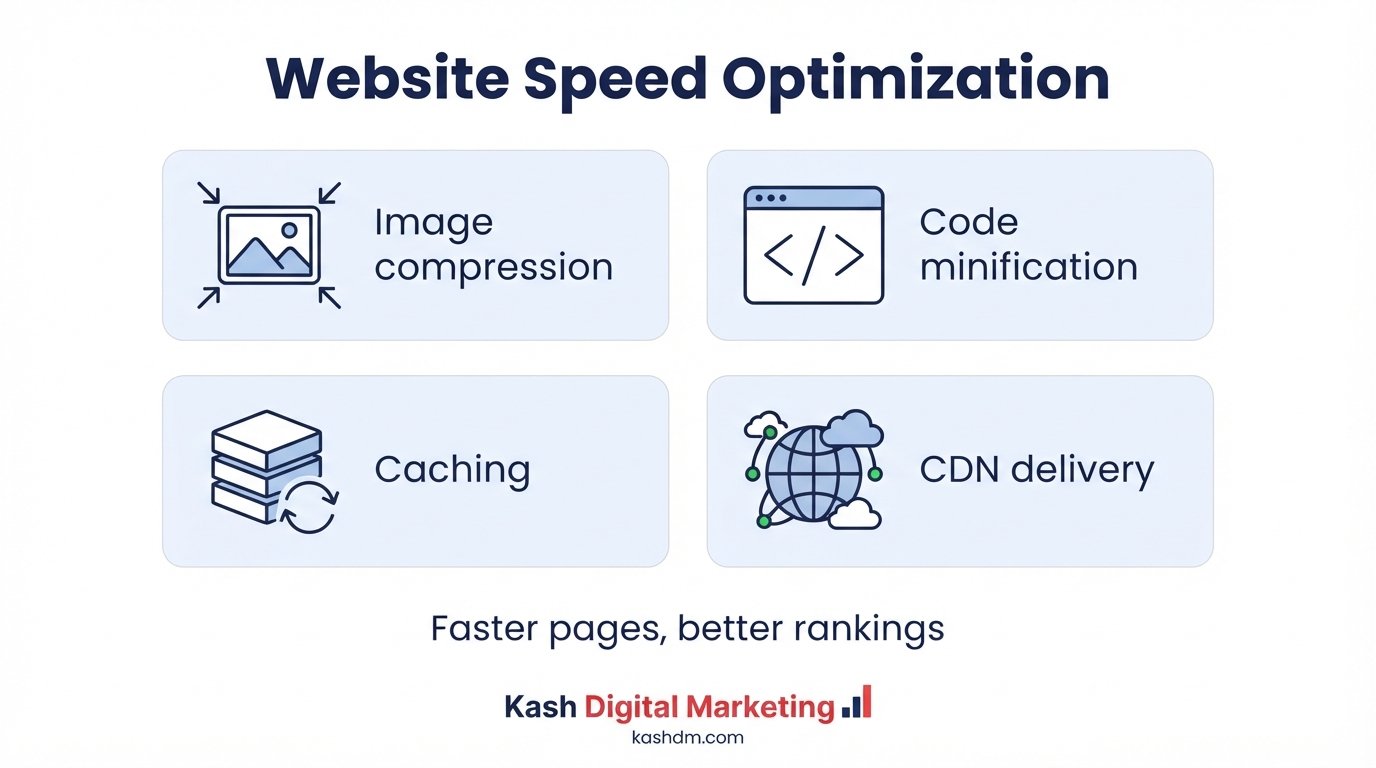
Website speed optimization services reduce how long it takes your pages to load and become usable, directly improving both search rankings and conversion rates. Speed is one of the few technical factors that visitors feel immediately and viscerally, a slow site doesn't just rank lower, it actively drives visitors away before they ever see what you offer.
Image compression and modern formats
Images are usually the single heaviest asset on a page. We compress images without visible quality loss, convert them to modern formats like WebP and AVIF, and implement responsive sizing so mobile devices don't download desktop-sized files. This alone often produces a dramatic, immediately measurable speed improvement, and it directly supports the image optimization work described later on this page.
Minifying and deferring code
We minify CSS and JavaScript, remove unused code, and defer or async-load scripts that aren't needed for the initial render. This reduces the amount of work a browser has to do before it can show your page, which improves both perceived and measured load time.
Caching, CDNs, and server response time
Beyond front-end fixes, we implement browser caching, server-side caching, and a CDN where appropriate, so returning visitors and geographically distant users experience the same fast load times as everyone else. Server response time (Time to First Byte) is often overlooked, but a slow server undermines every other speed optimization built on top of it, so we address it directly rather than treating front-end fixes as a substitute for a genuinely fast hosting environment.
Why speed is a ranking and revenue issue at once
Speed optimization pays off twice: Google factors page experience into rankings, and faster pages convert visitors into leads and customers at meaningfully higher rates. Every additional second of load time increases the chance a visitor abandons the page before it even finishes loading, which means a slow site isn't just underperforming in search results, it's actively losing customers who did make it to the page. We treat speed as a revenue lever as much as a ranking factor, because in practice that's exactly what it is.
Page Speed Optimization for Mobile and Desktop
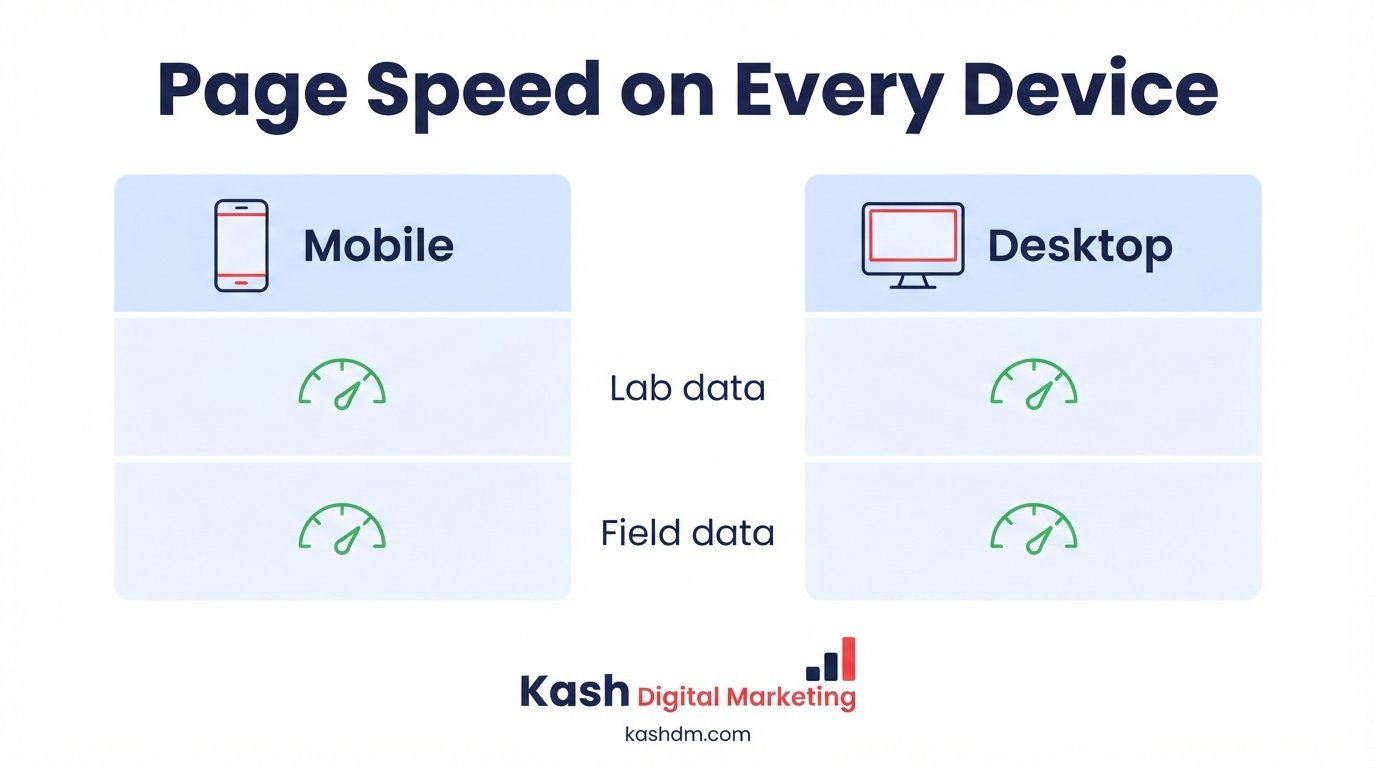
Page speed optimization means systematically reducing load time across every device and connection type your visitors actually use, not just achieving a good score in a single lab test. A page that scores well on a fast office WiFi connection can still load slowly for a customer on a mid-range phone with a spotty mobile connection, and that gap is exactly where many sites lose customers without ever realizing it.
Lab data versus field data
Tools like Lighthouse produce lab data, a controlled, repeatable snapshot. Google Search Console's Core Web Vitals report shows field data, how your site actually performs for real visitors on real devices and connections. We optimize for both, because lab data is useful for diagnosing specific issues while field data reflects the real-world experience Google actually uses as a ranking signal.
Optimizing for real-world mobile conditions
Mobile users often browse on slower connections and less powerful devices than the ones used to build and test a website. We specifically test and optimize for these conditions, throttled connections, mid-range hardware, so your site performs well for the majority of mobile visitors, not just those on the newest phones and fastest networks. This is especially critical because mobile-first indexing means Google evaluates your site primarily through its mobile experience.
Setting and tracking speed benchmarks
We establish clear speed benchmarks tied to Google's thresholds and your specific industry, then track progress against them over time rather than chasing a single vanity score. A site doesn't need a perfect 100 on every speed test, it needs to comfortably clear the thresholds that protect its rankings and keep visitors from bouncing, and we focus the optimization work on reaching and maintaining that standard efficiently.
Mobile SEO Services and Mobile-First Indexing
Mobile SEO services optimize a website for mobile-first indexing, the system Google uses to crawl, index, and rank sites based primarily on their mobile version rather than their desktop version. Since Google evaluates your mobile site as the primary version of record, a site that looks great on desktop but is clunky, slow, or missing content on mobile is effectively showing Google its worst version.
What mobile-first indexing actually means
Mobile-first indexing means Googlebot primarily crawls and indexes the mobile version of your pages. If your mobile site has less content, different links, or missing structured data compared to your desktop site, Google may only see the reduced mobile version, which can quietly cap your rankings even if your desktop site is excellent. We audit for parity between mobile and desktop versions to make sure nothing important is lost.
Responsive design versus separate mobile sites
Responsive design, where one set of HTML adapts to any screen size, is Google's recommended approach and the one we implement whenever possible, because it avoids the content-parity and duplicate-content risks that come with maintaining a separate mobile subdomain. For sites still running on an older separate mobile URL structure, we handle the technical requirements, correct annotations and redirects, needed to keep both versions properly aligned for search engines.
Mobile usability issues that hurt rankings
Common mobile problems include text too small to read without zooming, clickable elements placed too close together, content wider than the screen, and intrusive interstitials that block content. We test your site against Google's mobile usability standards and fix these issues, which improves both your rankings and the experience for the majority of visitors who now arrive on a phone.
Mobile SEO for local and service-area businesses
Mobile matters especially for local businesses, since most "near me" and urgent local searches happen on a phone, often while the customer is already out and ready to act. We make sure click-to-call buttons, maps, and directions are prominent and functional on mobile, connecting this technical work directly to the conversion-focused principles in our local SEO services. A technically excellent mobile experience that fails to make it effortless to call or find directions still leaves money on the table, so we optimize for both crawlability and the customer action that follows.

Crawlability and Indexation: Making Sure Google Can Find Your Pages
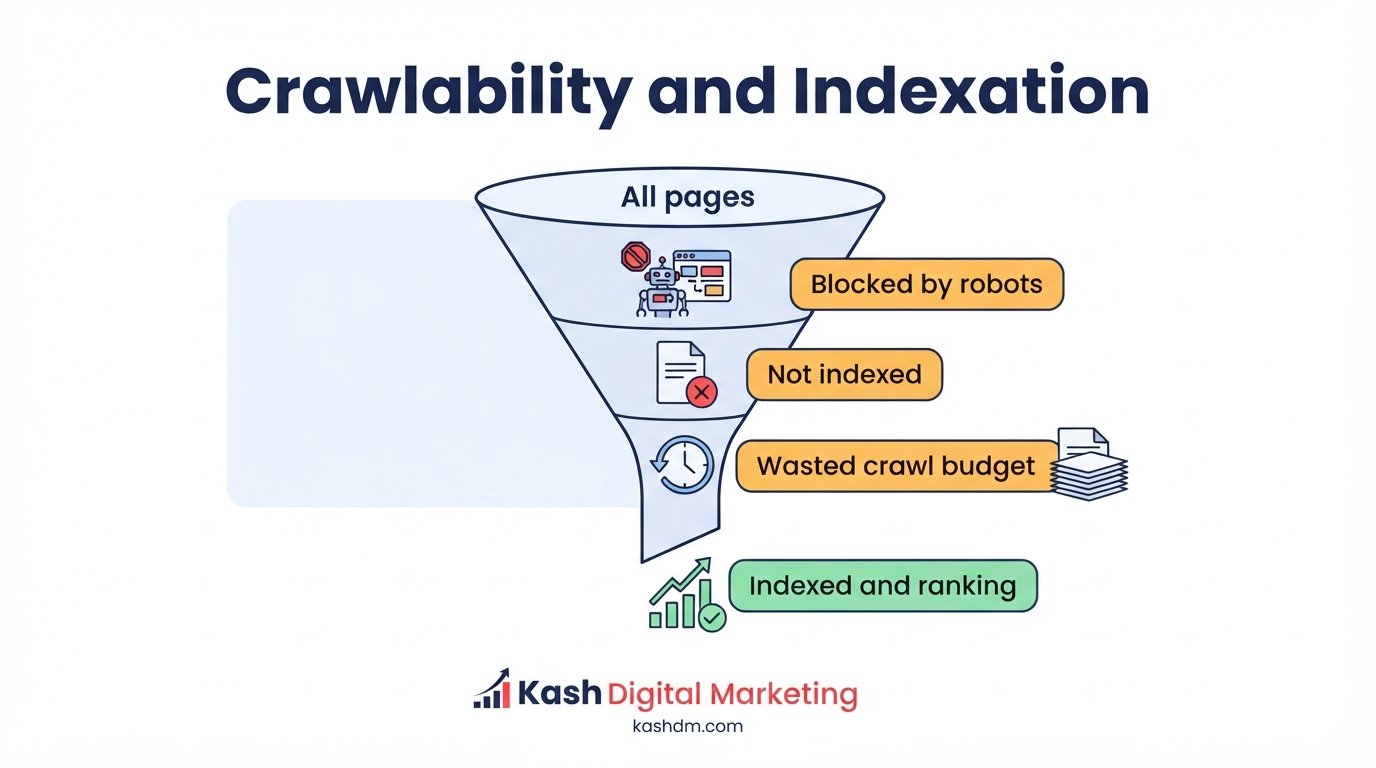
Crawlability and indexation refer to whether search engines can discover your pages (crawlability) and whether they choose to include those pages in their search index (indexation), the two prerequisites a page must clear before it can rank for anything at all. A page with perfect content and strong backlinks is worthless from an SEO standpoint if Google never crawls it or decides not to index it.
Diagnosing crawl and indexation problems
We use Google Search Console's coverage and indexing reports alongside full-site crawls to identify pages that aren't being crawled, pages crawled but not indexed, and pages accidentally excluded through noindex tags, robots.txt blocks, or canonical errors. This diagnostic step often uncovers surprising findings, entire sections of a site sometimes sit invisible to Google because of a single misconfigured setting nobody noticed.
Crawl budget and how large sites lose it
Crawl budget is the finite amount of attention Googlebot allocates to crawling your site in a given period. For small sites this rarely matters, but for large ecommerce catalogs or content-heavy sites, wasted crawl budget on low-value pages, filtered URL variants, duplicate parameters, thin pages, means Google spends less time discovering and re-crawling the pages that actually matter. We audit crawl patterns and eliminate the waste so Googlebot spends its limited attention on your most valuable pages.
Fixing indexation gaps
Once we identify pages that should be indexed but aren't, we work through the likely causes systematically: checking for accidental noindex tags, robots.txt blocks, canonical tags pointing elsewhere, thin or duplicate content, and insufficient internal linking. In many cases, a page simply needs stronger internal links pointing to it before Google considers it important enough to index, which is where our internal linking work becomes directly relevant.
Checklist for healthy crawlability and indexation
- Robots.txt allows crawling of all important pages and sections
- No accidental noindex tags on pages meant to rank
- XML sitemap includes only canonical, indexable URLs
- Internal links connect every important page to the rest of the site
- Crawl budget isn't wasted on parameter duplicates or thin pages
- Google Search Console coverage report shows no unexpected exclusions
XML Sitemap Setup and Optimization
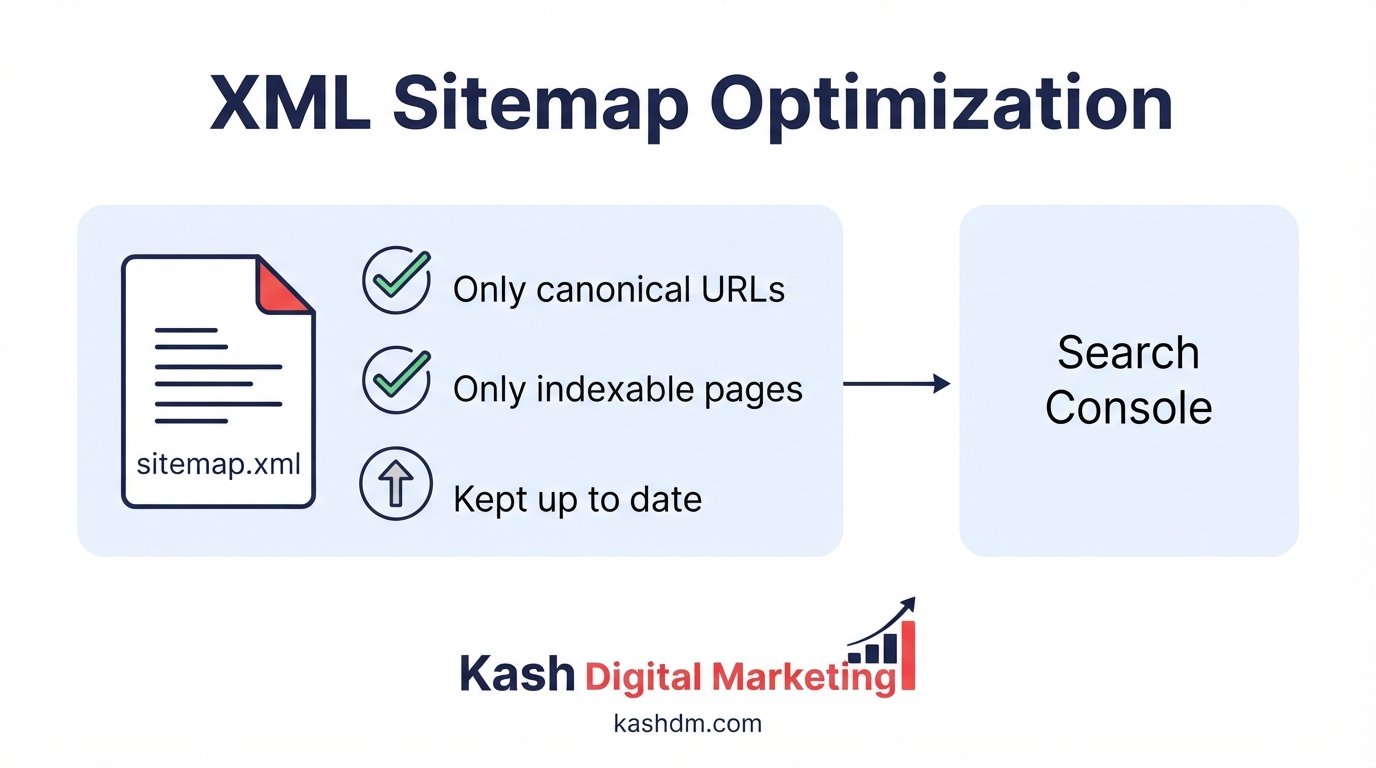
An XML sitemap is a file that lists the URLs on your site you want search engines to crawl and index, acting as a roadmap that helps Google discover your pages more efficiently. While a well-linked site can be crawled without one, a clean, accurate XML sitemap remains one of the simplest and most effective technical SEO fundamentals, and a poorly maintained one can actively confuse search engines about which pages matter.
Building a clean, accurate sitemap
We build XML sitemaps that include only canonical, indexable, live URLs, never redirected pages, noindexed pages, or broken links, because a sitemap full of errors erodes Google's trust in the file as a whole. For large sites we segment sitemaps logically, by content type or section, and submit a sitemap index that ties them together, making it easier to spot indexation problems in specific areas of the site.
Keeping sitemaps current as your site changes
A sitemap generated once and never updated becomes actively misleading as pages are added, removed, or restructured. We set up dynamic sitemap generation wherever the platform supports it, so the sitemap always reflects the current state of the site, and we monitor Google Search Console's sitemap report to catch discrepancies between what's submitted and what's actually indexed.
Submitting and monitoring sitemaps in Search Console
Beyond building the file, we submit it through Google Search Console and monitor how many submitted URLs are actually indexed versus excluded. A large gap between submitted and indexed URLs is a strong signal of an underlying crawlability, quality, or duplicate content problem, and we treat that gap as a diagnostic starting point rather than something to ignore.
Robots.txt Configuration and Common Mistakes
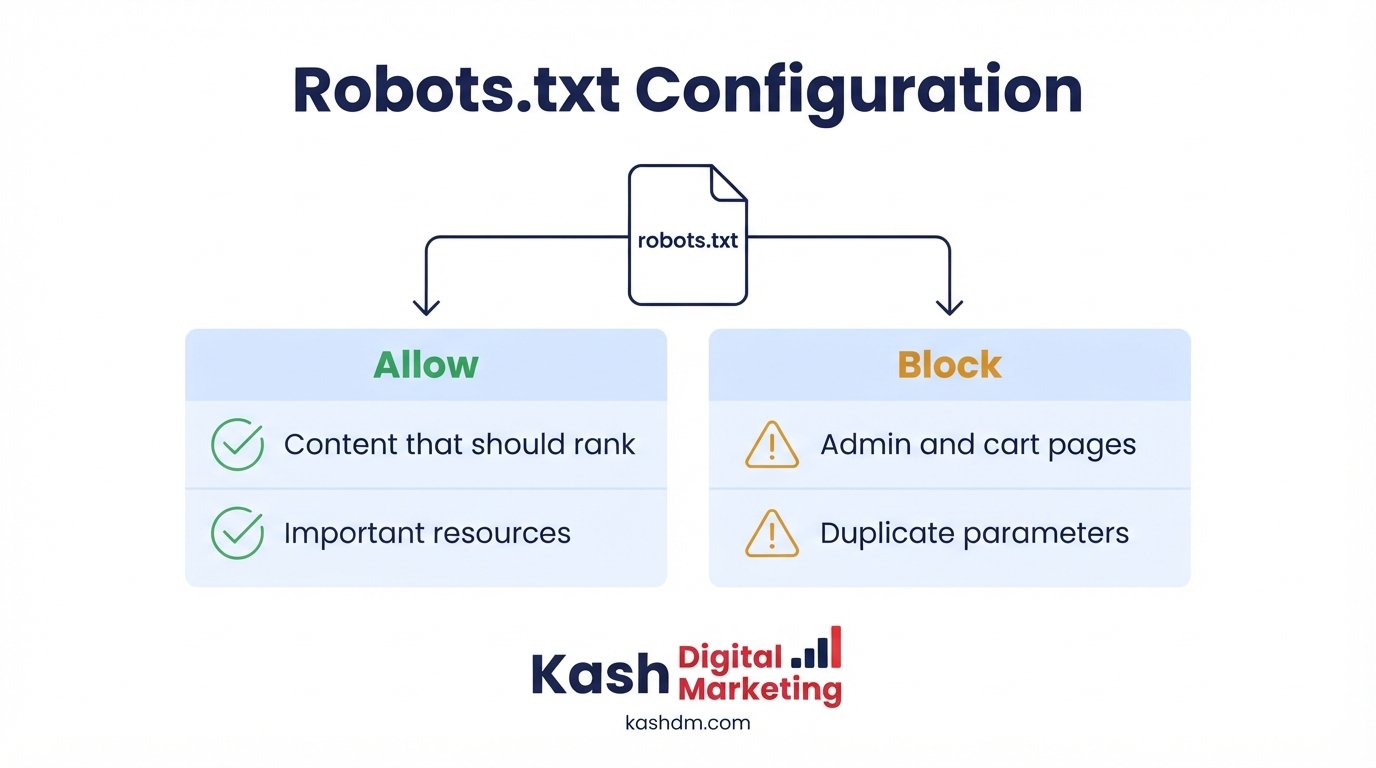
Robots.txt is a plain-text file at the root of your domain that tells search engine crawlers which parts of your site they're allowed to access, and a single misconfigured line in this file can accidentally deindex an entire website overnight. Because robots.txt is such a small, simple file, it's frequently either ignored entirely or edited carelessly, both of which create real risk.
How robots.txt should be structured
A properly configured robots.txt blocks crawlers from low-value areas, admin pages, internal search results, staging environments, filtered parameter combinations, while explicitly allowing access to everything meant to rank. We audit and rebuild robots.txt files to strike this balance correctly, referencing the sitemap location within the file itself so crawlers can find it easily.
The most dangerous robots.txt mistakes
The single most catastrophic robots.txt mistake is accidentally disallowing the entire site, often left over from a staging environment that was never updated before launch, which can silently deindex a site over a period of weeks. Other common mistakes include blocking CSS and JavaScript files Google needs to render pages properly, and blocking pages that are also linked in the XML sitemap, a direct contradiction that confuses crawlers. We check for these specific failure modes on every audit because of how much damage they can cause while looking completely unremarkable to a non-technical reviewer.
Robots.txt versus noindex tags
Robots.txt and noindex tags solve different problems and are frequently confused. Disallowing a page in robots.txt prevents Googlebot from crawling it, but the URL can still appear in search results without a snippet if other pages link to it. A noindex tag, by contrast, requires Googlebot to crawl the page first in order to see and obey the instruction to keep it out of the index. We choose the right tool for each situation rather than defaulting to whichever one a template happened to include.
Site Architecture and Information Structure
Site architecture is the way pages on a website are organized and linked to each other, and a clear, logical architecture makes it easier for both search engines and visitors to find and understand every page. A flat, disorganized site buries important pages several clicks deep, where they're harder for Googlebot to discover and for visitors to find, while a well-structured site puts your most valuable pages within easy reach.
The ideal shape of a site's structure
Strong site architecture generally follows a shallow hierarchy: homepage, category or hub pages, then individual pages, with no important page more than three or four clicks from the homepage. This structure concentrates authority on your hub pages, which in turn pass it efficiently to the pages beneath them, a principle that shapes how we build local landing pages and content hubs alike.
Organizing content into logical categories
We group related content into clear categories and hub pages, rather than leaving pages scattered with no organizing structure. This benefits SEO by clustering topical relevance in one place and benefits visitors by making the site intuitive to navigate, two goals that align far more often than site owners expect.
Rebuilding architecture without losing existing rankings
Restructuring an established site's architecture carries real risk if done carelessly, existing rankings and backlink equity can be lost if URLs change without proper redirects. We plan architecture changes carefully, mapping every old URL to its new location and implementing 301 redirects before launch, protecting the migration SEO considerations covered in more detail later on this page.

Internal Linking Strategy
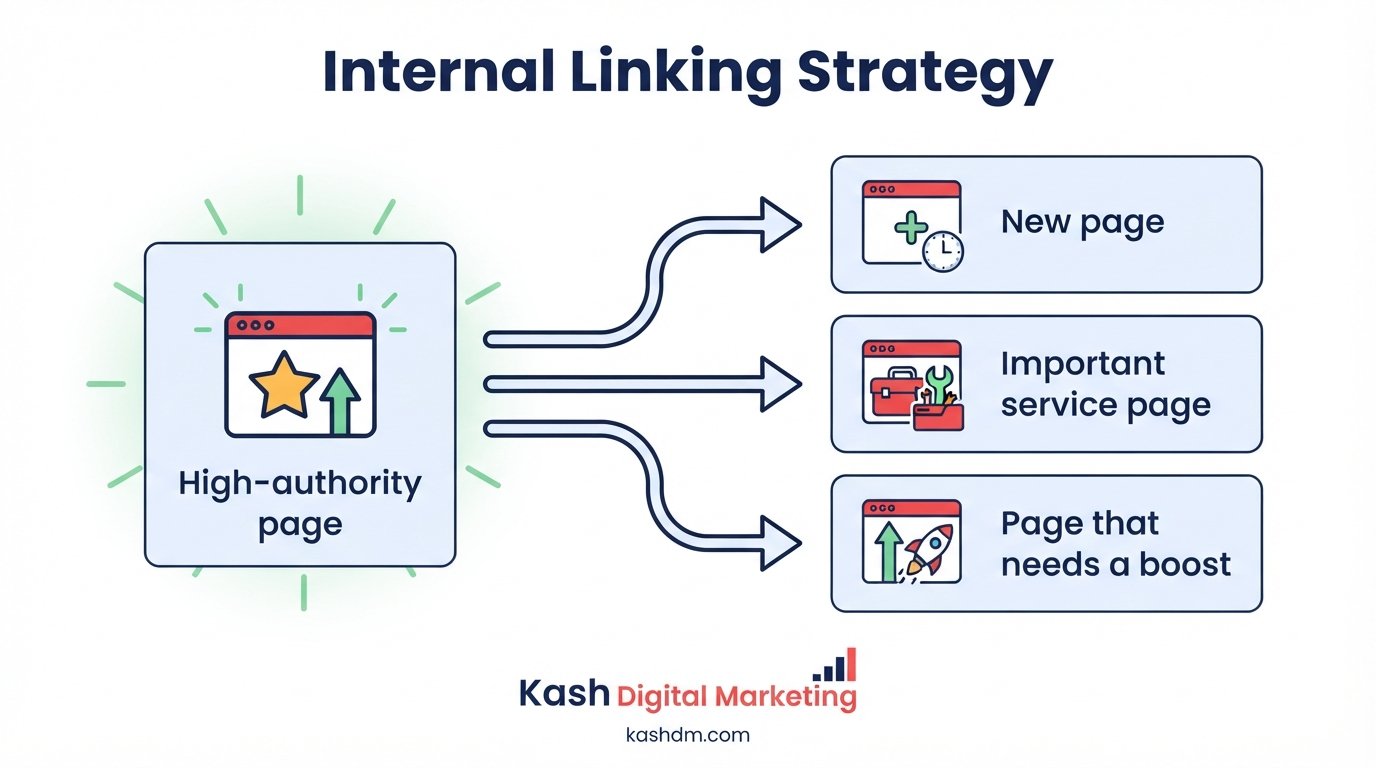
Internal linking is the practice of connecting pages within your own website through hyperlinks, and a deliberate internal linking strategy is one of the most underused levers in technical SEO because it costs nothing to implement and directly shapes both crawlability and rankings. Internal links tell Google which pages you consider most important and pass ranking authority from strong pages to pages that need support.
How internal links distribute authority
Every internal link passes a portion of a page's authority to the page it links to. A page with many internal links pointing to it, especially from other authoritative pages, tends to rank better than an identical page sitting in isolation with few or no internal links. We audit your internal link graph and add strategic links from strong pages to the ones that need the most support.
Fixing orphan pages and thin link equity
An orphan page has no internal links pointing to it at all, making it difficult for both Google and visitors to discover. We identify orphan pages during every audit and either link them into the site's structure or, if they genuinely serve no purpose, remove or consolidate them. Pages with only one or two weak internal links face a similar, milder version of the same problem, and we strengthen those links as part of the same process.
Anchor text and contextual relevance
The words used in an internal link, its anchor text, help Google understand what the linked page is about. We use descriptive, natural anchor text rather than generic phrases like "click here," and we place links contextually within relevant content rather than scattering them randomly. This is the same discipline that runs through this very page, and every sibling page across the site, weaving internal links naturally into sentences rather than dumping them in a list.
Internal linking checklist
- Every important page has at least one link from another page on the site
- No orphan pages sitting outside the internal link graph
- Anchor text is descriptive and varies naturally, not generic or repetitive
- Your highest-priority pages receive the most internal links
- Hub or category pages link down to relevant subpages and back up to the homepage
Schema Markup Services and Structured Data
Schema markup services implement structured data, a standardized code vocabulary, on your website so search engines can understand your content with precision and, in many cases, display it as an enhanced rich result. Structured data doesn't directly boost rankings on its own, but it removes ambiguity for search engines and can unlock features, star ratings, FAQ dropdowns, product prices, that make your listing more prominent and clickable in search results.
Common schema types and when to use them
| Schema type | Best for | What it can unlock |
|---|---|---|
| LocalBusiness | Businesses with a physical location or service area | Address, hours, and ratings in search results |
| Product | Ecommerce product pages | Price, availability, and review stars |
| FAQPage | Pages with genuine question-and-answer content | Expandable FAQ dropdowns in results |
| Article / BlogPosting | Blog posts and articles | Author, date, and headline enhancements |
| BreadcrumbList | Any multi-level site | Breadcrumb trail shown in search results |
| Review / AggregateRating | Pages with genuine customer reviews | Star ratings shown in search results |
Implementing structured data correctly
We implement schema as JSON-LD, Google's preferred format, embedded cleanly in the page rather than relying on error-prone microdata scattered through the HTML. Every implementation is validated against Google's structured data testing tools before launch, because invalid or mismatched schema can be ignored or, in cases of clear manipulation, penalized.
Structured data and AI search visibility
Structured data has taken on new importance as AI Overviews and other AI-driven search experiences become a larger share of how people find information. Clearly labeled, well-organized data makes it easier for these systems to extract and cite accurate information about your business, connecting this technical work directly to the AI-search considerations described in our local SEO and content services. A business with clean structured data is simply easier for an AI system to understand and recommend correctly than one whose information is scattered across unstructured text.
Avoiding schema markup mistakes
The most common schema mistakes are marking up content that isn't actually visible on the page, using the wrong schema type for the content, and letting structured data go stale as prices, hours, or ratings change on the page but not in the code behind it. We build schema implementations that pull from the same source of truth as the visible content wherever the platform allows, so the two never drift out of sync.

On-Page SEO Services
On-page SEO services optimize the visible and code-level elements of an individual page, titles, headings, content, images, and internal links, so it targets the right keyword and satisfies search intent. While often discussed separately from technical SEO, on-page elements are inseparable from the technical foundation, a beautifully optimized title tag means little if the page it belongs to isn't being crawled or indexed.
Title tags and meta descriptions that earn clicks
We write title tags and meta descriptions that are accurate, compelling, and include the target keyword naturally, because these elements directly influence both rankings and the click-through rate once a page does rank. A page in position three with a genuinely compelling title can out-click a page in position one with a generic, forgettable one.
Header structure and content hierarchy
A clear H1-H2-H3 hierarchy helps both search engines and readers understand a page's structure at a glance. We ensure every page has a single, clear H1, logically nested subheadings, and content organized in a way that answers the searcher's question efficiently, principles reflected throughout our own content and copywriting services.
Optimizing for search intent, not just keywords
Modern on-page SEO isn't about repeating a keyword a certain number of times, it's about thoroughly satisfying what the searcher actually wants to know. We research the intent behind each target keyword and build content that answers it completely, which is what earns strong rankings under Google's current, intent-focused algorithm.
Off-Page SEO Services
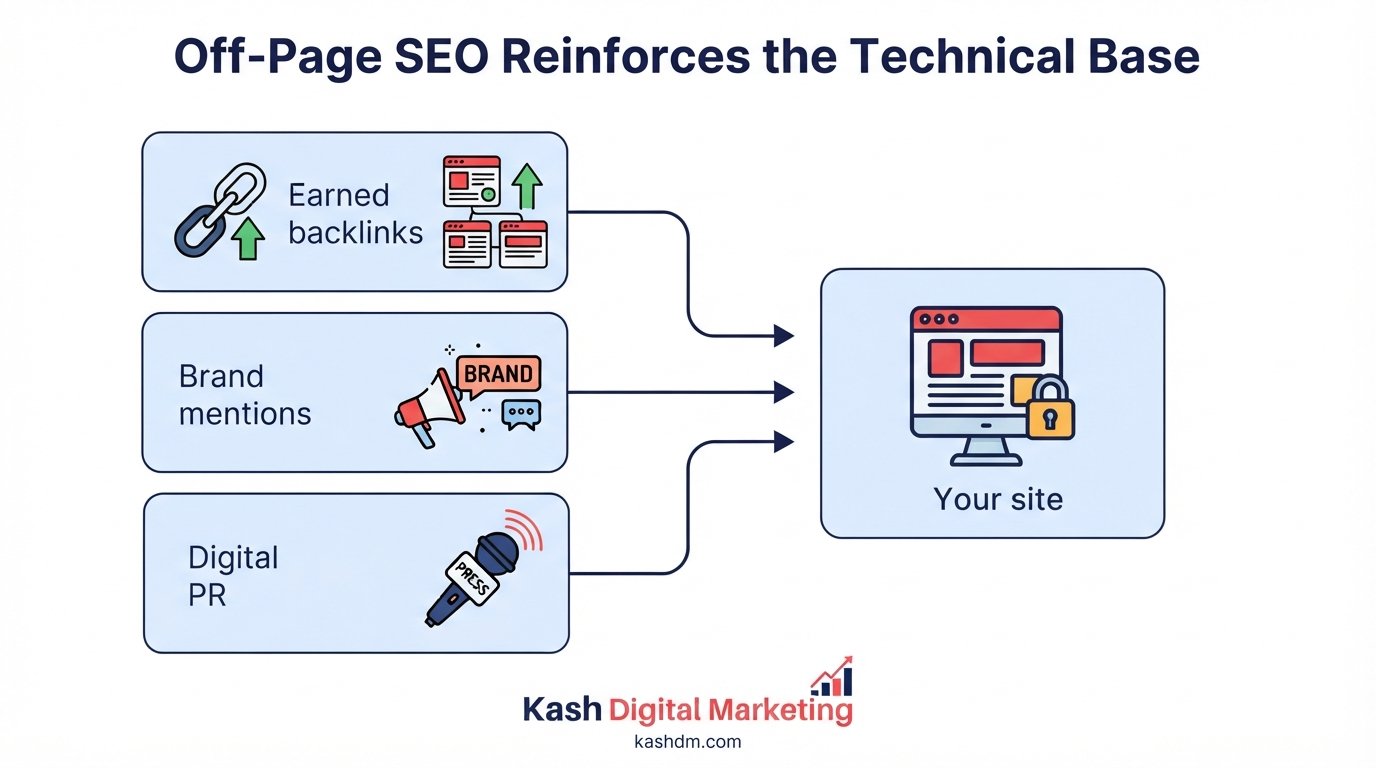
Off-page SEO services build the authority and trust signals that exist outside your own website, primarily backlinks, but also brand mentions and citations, that convince search engines your site deserves to rank. Where technical and on-page SEO make a page eligible to rank well, off-page SEO is often what determines whether it actually outranks the competition for a contested keyword.
Backlinks as a trust signal
A link from another reputable website functions as a vote of confidence in your content. Search engines weigh both the quantity and, more importantly, the quality and relevance of these links. Our dedicated link building services pursue exactly this kind of earned, relevant authority, using only white-hat methods that hold up through algorithm updates rather than collapsing under them.
How off-page and technical SEO reinforce each other
Off-page authority and technical health compound each other. A site with strong backlinks but poor crawlability may never let Google discover the pages that authority should be flowing to, while a technically flawless site with no external authority struggles to outrank established competitors. We coordinate the two, making sure the technical foundation is solid so that every backlink we or you earn reaches its full potential rather than leaking value through a broken internal link structure or an accidental noindex tag.
Brand mentions, citations, and unlinked authority signals
Not every off-page signal comes in the form of a clickable link. Brand mentions in articles, podcasts, and industry roundups, along with the citations described in our local SEO services, contribute to how search engines perceive your overall prominence and trustworthiness, even without a direct hyperlink attached. We track these unlinked mentions where possible and, where it makes sense, follow up to convert a mention into a genuine link, capturing additional value from relationships and coverage you've already earned.
HTTPS Security and Why It Matters for SEO
HTTPS security encrypts the connection between a visitor's browser and your server, and it has been a confirmed Google ranking signal since 2014, in addition to being the basic standard visitors and browsers now expect. A site still running on unencrypted HTTP is not only at a ranking disadvantage, modern browsers actively flag it as "not secure," which erodes visitor trust the moment they land.
Migrating from HTTP to HTTPS correctly
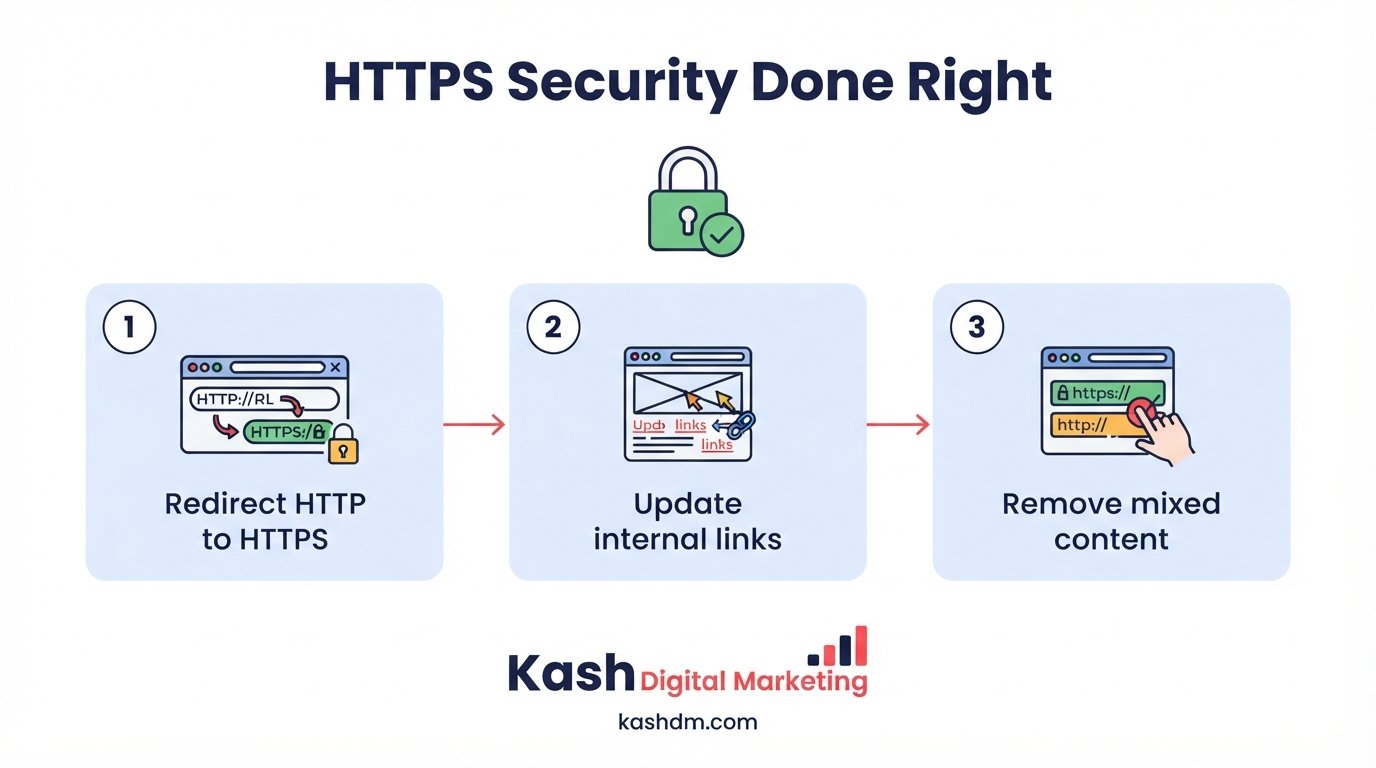
Migrating to HTTPS involves more than installing an SSL certificate, it requires updating internal links, canonical tags, and the XML sitemap to reference the new HTTPS URLs, and implementing site-wide 301 redirects from the old HTTP versions. Done carelessly, an HTTPS migration can create widespread duplicate content and redirect chains; done correctly, it's a clean, low-risk improvement that we handle as part of our migration SEO process.
Fixing mixed content warnings
A common issue after migrating to HTTPS is "mixed content," where some page resources, images, scripts, stylesheets, still load over the old insecure HTTP protocol. This triggers browser security warnings even after the migration is technically complete. We scan for and fix every mixed content reference so your site displays as fully secure without exception.
HTTPS as a trust and conversion factor
Beyond its direct role as a ranking signal, HTTPS affects how much visitors trust your site, and trust affects conversion. A browser's "not secure" warning is exactly the kind of red flag that makes a hesitant visitor abandon a form or a checkout before completing it. Fixing HTTPS issues is one of the rare technical improvements that simultaneously protects rankings and directly improves how many visitors convert into leads or customers.
Canonicalization and Fixing Duplicate Content
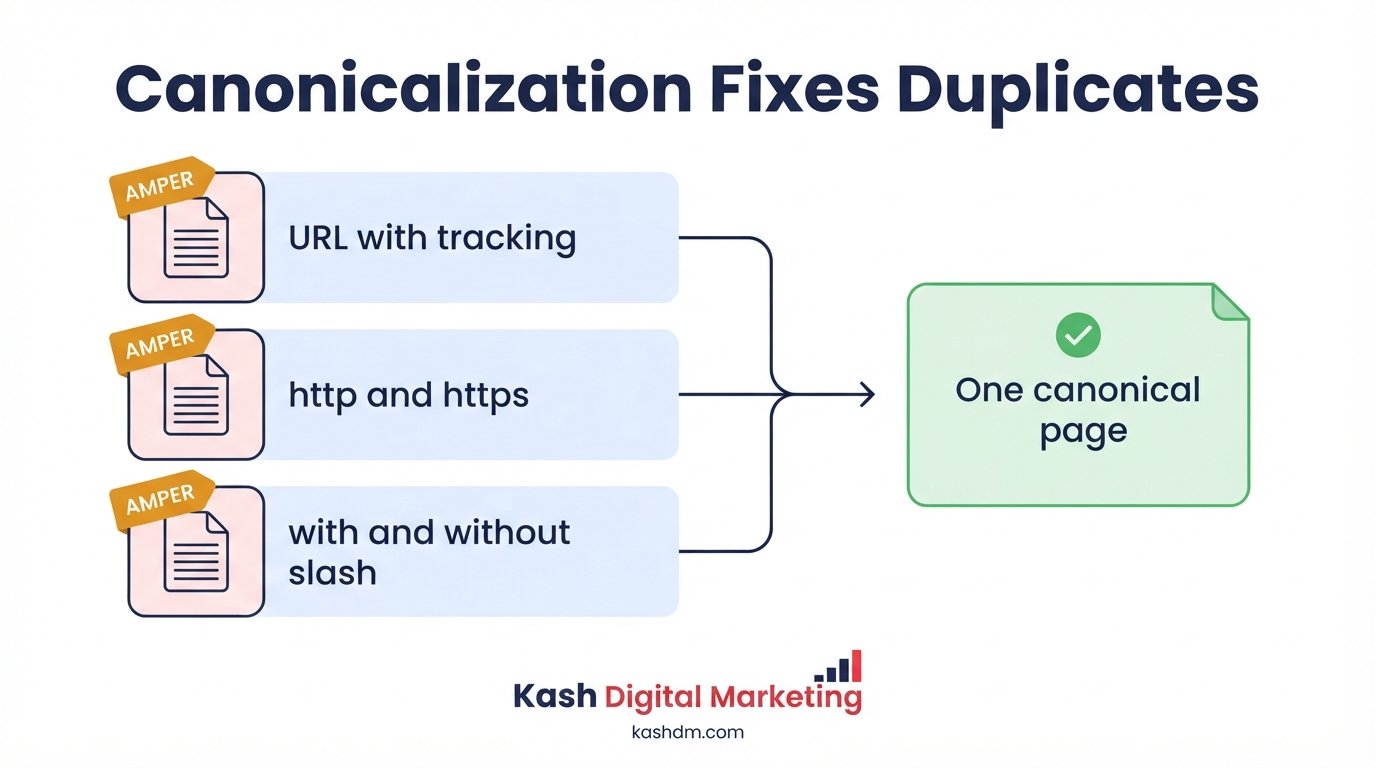
Canonicalization is the process of telling search engines which version of a page, among several similar or identical versions, is the authoritative one that should be indexed and ranked. Duplicate content, whether from URL parameters, printer-friendly pages, HTTP and HTTPS versions coexisting, or www and non-www versions both resolving, splits ranking signals across multiple URLs instead of concentrating them on one, weakening all of them at once.
Common sources of duplicate content
Duplicate content commonly arises from URL parameters used for tracking or filtering, session IDs appended to URLs, both www and non-www versions of a domain resolving without a redirect, printer-friendly or "lite" versions of pages, and, especially on ecommerce sites, near-identical product variations. We audit for each of these sources systematically rather than assuming a single canonical tag solves every case.
Implementing canonical tags correctly
We implement canonical tags that point every duplicate or near-duplicate variation to the single authoritative version of a page, consolidating the ranking signals that would otherwise be split. Canonical tags need to be consistent with a page's other signals, its internal links, its XML sitemap entry, and any redirects, because contradictory signals confuse search engines and can result in Google simply choosing its own canonical, ignoring your preference entirely.
Duplicate content risks specific to ecommerce
Ecommerce sites face a particularly acute duplicate content challenge: product variants (different colors or sizes of the same item), faceted navigation and filter combinations, and products listed under multiple categories can each generate dozens of near-duplicate URLs for what is functionally one product. We address this in detail in our technical SEO for ecommerce work, using a combination of canonical tags, parameter handling, and thoughtful category structure to keep this from diluting rankings.
JavaScript SEO: Making Dynamic Sites Crawlable
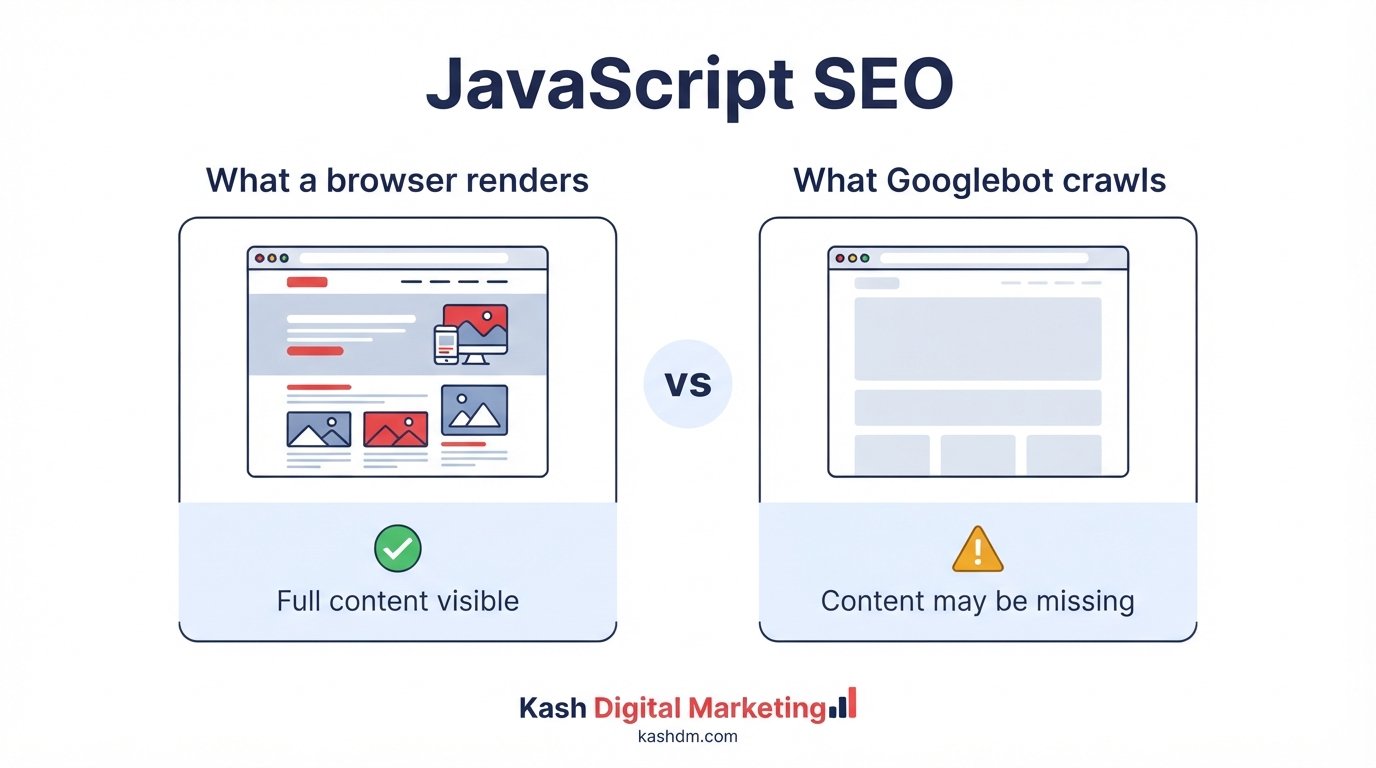
JavaScript SEO is the practice of ensuring content rendered by JavaScript, common on modern frameworks like React, Vue, and Angular, is fully visible and indexable to search engines, which don't always process JavaScript the same way a browser does. Sites built heavily on client-side JavaScript risk having content that's invisible to search engines even though it displays perfectly to a human visitor, a gap that can silently suppress rankings for an otherwise well-built site.
How Googlebot processes JavaScript
Googlebot can execute JavaScript, but it does so in a separate rendering phase after initial crawling, and that rendering phase has its own resource constraints and delays. Content that depends entirely on client-side JavaScript to appear can be crawled significantly later than static HTML content, or, in cases of rendering errors, missed entirely. We test how your pages actually render from Googlebot's perspective, not just how they look in a normal browser.
Server-side rendering and hybrid approaches
Where possible, we recommend server-side rendering (SSR) or static site generation for content that needs to rank, since these approaches deliver fully-formed HTML to crawlers without depending on JavaScript execution. For sites that can't fully migrate away from client-side rendering, hybrid approaches like dynamic rendering or pre-rendering critical content give search engines a reliable, fast path to the content that matters most.
Testing and diagnosing JavaScript SEO issues
We use Google Search Console's URL Inspection tool and rendering comparisons to check exactly what Googlebot sees versus what a browser renders. When there's a meaningful gap, missing text, broken internal links, absent structured data, we work with your development team or ours to close it, because a JavaScript rendering issue can be one of the most invisible and damaging technical SEO problems a modern site faces.
Redirects: 301s, Chains, and When to Use Each
A redirect automatically sends visitors and search engines from one URL to another, and the type of redirect used, along with how cleanly it's implemented, has real consequences for both rankings and user experience. Redirects are simple in concept but frequently implemented carelessly, creating chains, loops, and lost link equity that quietly erode rankings over time.
301 versus 302 redirects
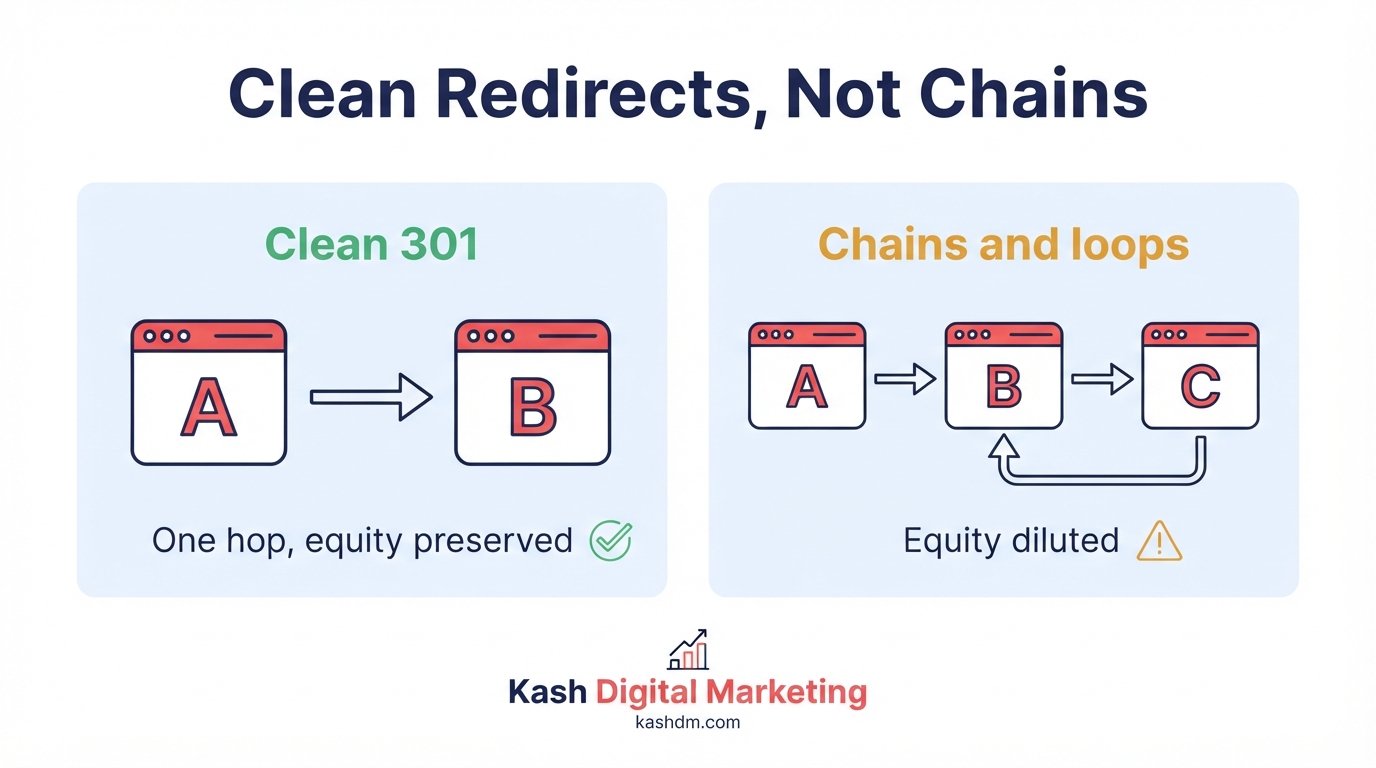
A 301 redirect signals a permanent move and passes the vast majority of a page's ranking authority to its new destination. A 302 redirect signals a temporary move and is not intended to pass authority in the same way, since search engines expect the original URL to return eventually. Using a 302 for what is actually a permanent change, a common mistake, especially in hastily implemented site migrations, means the destination page may never fully inherit the authority the original URL had built up.
Fixing redirect chains and loops
A redirect chain occurs when URL A redirects to URL B, which redirects to URL C, and so on, each hop adding latency and diluting the authority passed along. A redirect loop, where URLs redirect back to each other indefinitely, breaks the page entirely for both users and crawlers. We audit for chains and loops across the entire site and flatten every chain down to a single, direct redirect from the original URL straight to its final destination.
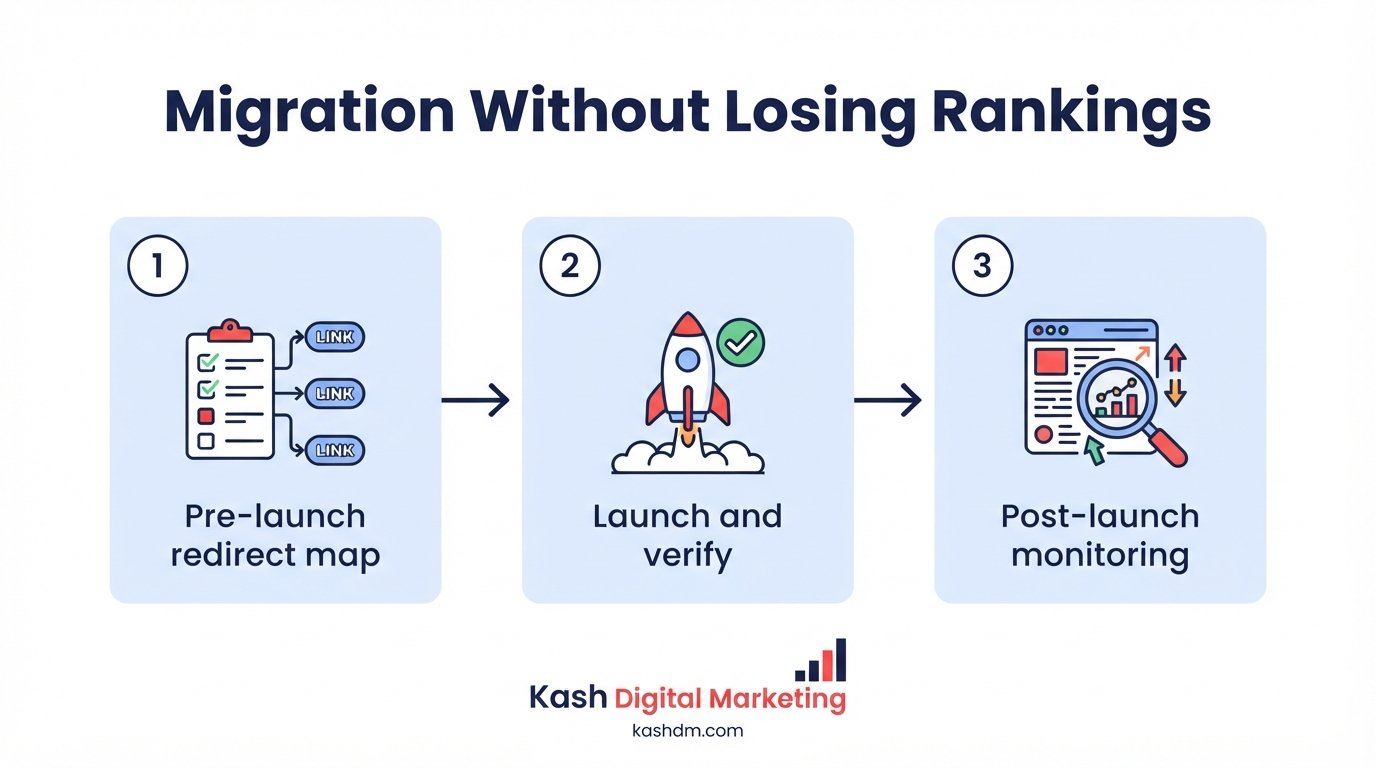
Building a clean redirect map for migrations
Any significant site change, a URL restructuring, a domain change, a platform migration, requires a complete redirect map: every old URL mapped explicitly to its new equivalent. We build this map before any change goes live, test it thoroughly, and monitor Google Search Console afterward to confirm the redirects are working as intended and that rankings transfer smoothly to the new URLs.
Migration SEO Services: Protecting Rankings During Change
Migration SEO services protect a website's search rankings and traffic during a domain change, platform switch, redesign, or major restructuring, moments when poorly managed technical changes routinely cause traffic to collapse. A site migration is one of the highest-risk events in a website's life from an SEO standpoint, and it's also one of the most common sources of the emergency calls we receive from businesses whose traffic suddenly disappeared after a well-intentioned redesign.
Planning a migration before a single URL changes
We build a complete pre-migration plan: a full crawl and export of the existing site's URLs, rankings, and backlinks, a comprehensive redirect map, and a checklist of every technical element, canonical tags, structured data, XML sitemap, that needs to carry over correctly to the new site. This planning phase, done before any code changes ship, is what separates a migration that preserves rankings from one that tanks them.
Executing the migration with monitoring in place
On launch day, we implement the redirect map, verify HTTPS and canonical tags are correctly configured, submit updated sitemaps, and closely monitor Google Search Console for crawl errors, indexation drops, or unexpected 404s in the days that follow. Catching a problem within 24 to 48 hours of launch, before it compounds, is far easier than diagnosing a mysterious traffic drop weeks later.
Recovering from a migration gone wrong
We also work with businesses who migrated without proper SEO planning and are now dealing with the fallout, lost rankings, broken redirects, orphaned pages, indexation chaos. Recovery starts with the same systematic audit process described earlier on this page: identifying every technical gap left by the botched migration and correcting them methodically. Recovery is rarely instant, but a well-executed cleanup plan typically restores lost rankings faster than most business owners expect, especially when the underlying content and authority that earned those rankings in the first place is still intact.
- Full pre-migration crawl and URL/ranking baseline
- Complete old-URL-to-new-URL redirect map, tested before launch
- Canonical tags, structured data, and sitemap updated for new URLs
- Internal links updated to point directly to new URLs, not through redirects
- Post-launch monitoring in Google Search Console for at least 30 days
WordPress Technical SEO
WordPress technical SEO addresses the specific technical issues that accumulate on WordPress sites over time, plugin conflicts, bloated code, poor caching configuration, and outdated themes, that generic SEO advice often overlooks. WordPress powers a huge share of the web, and its flexibility is exactly what makes it prone to accumulating technical debt as plugins and customizations pile up over years of use.
Common WordPress-specific technical problems
WordPress sites frequently suffer from plugin bloat that slows load times, conflicting SEO plugins that generate contradictory sitemaps or canonical tags, unoptimized image uploads served at full resolution, and outdated themes that weren't built with modern Core Web Vitals in mind. We audit the specific plugin and theme stack behind your site rather than applying generic advice that ignores how WordPress actually works under the hood.
Choosing and configuring the right SEO plugin
We evaluate and properly configure your SEO plugin, whether that's Yoast, Rank Math, or another tool, ensuring it isn't generating conflicting directives with other plugins or a page builder. A common and costly mistake is running two SEO plugins simultaneously, each trying to control the same meta tags, sitemap, and schema output, which creates exactly the kind of contradictory signals search engines struggle to interpret correctly.
Performance optimization specific to WordPress
We implement WordPress-specific caching solutions, database cleanup and optimization, image optimization plugins configured correctly, and a lean, well-coded theme, addressing the platform-specific causes behind the general speed optimization principles described earlier. WordPress sites that have run for years without regular maintenance often carry a bloated database full of old revisions, spam comments, and orphaned data that slows every single page load until it's cleaned up.
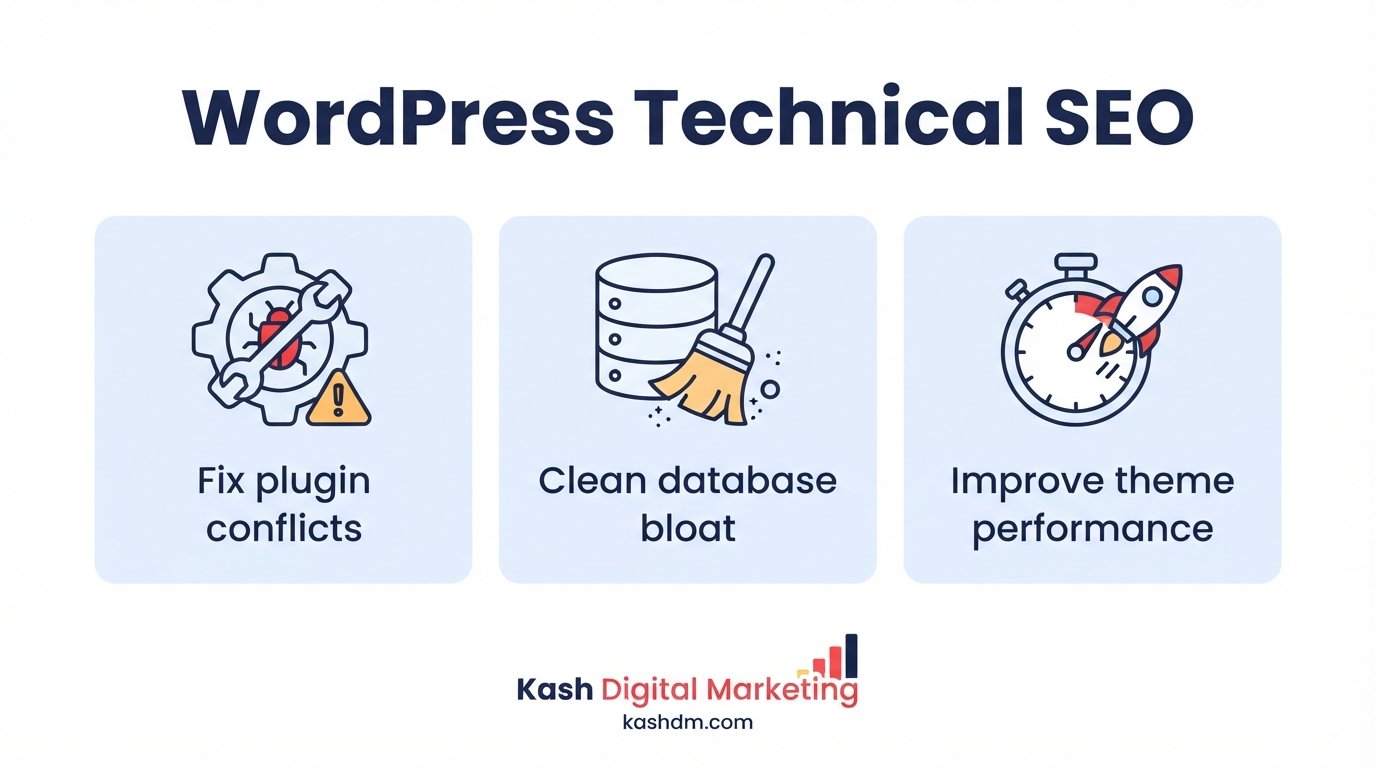
Image Optimization for SEO
Image optimization for SEO reduces file sizes, adds descriptive metadata, and structures images so they load quickly and can be properly understood and indexed by search engines, including Google Images. Unoptimized images are one of the most common and most fixable sources of slow page speed, and they also represent missed traffic opportunity when they aren't structured to be discoverable through image search.
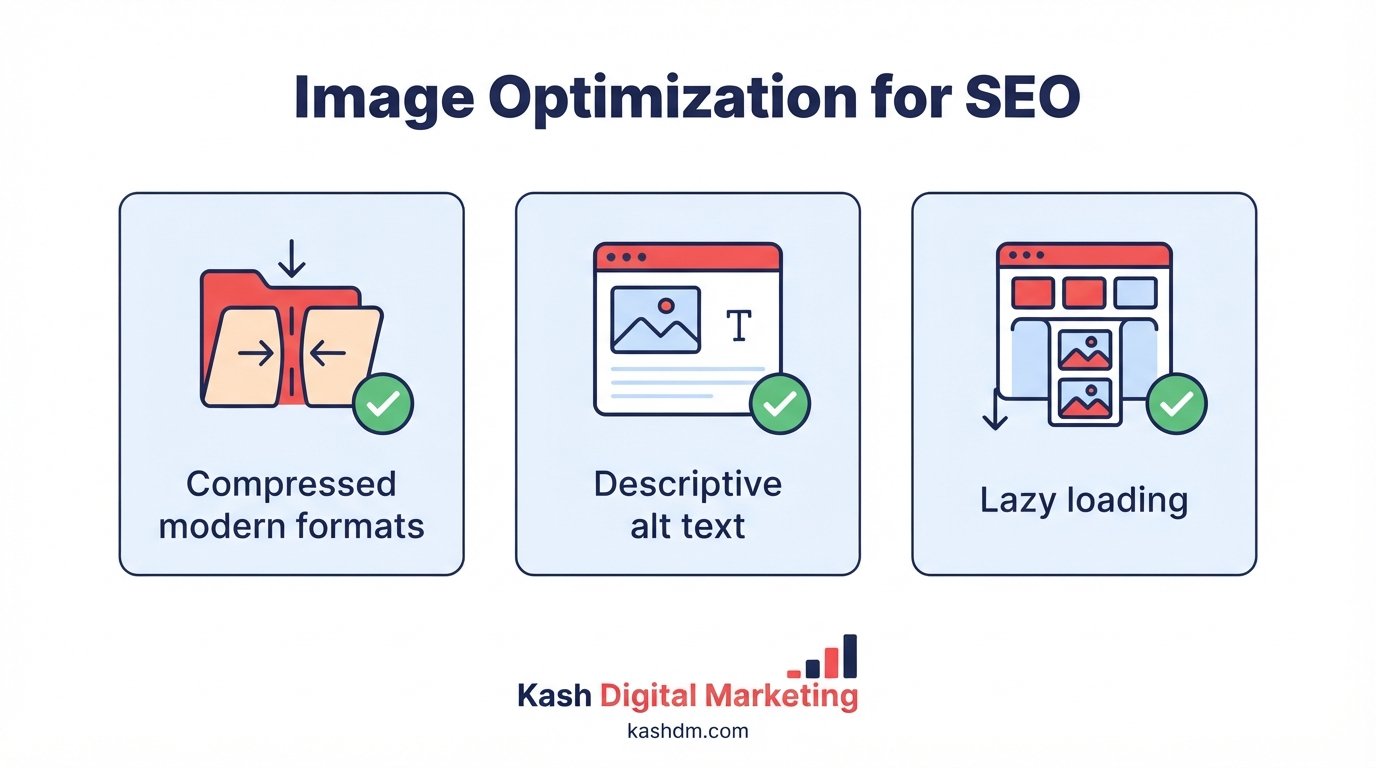
Compression and modern formats
We compress every image to the smallest file size that preserves visual quality, and convert to modern formats like WebP or AVIF that achieve smaller sizes than older JPEG or PNG formats at equivalent quality. This directly supports the Core Web Vitals and speed work described earlier in this page.
Alt text, file names, and image sitemaps
Descriptive alt text serves both accessibility and SEO purposes, telling search engines and screen readers what an image depicts. We write specific, natural alt text rather than generic placeholders or keyword-stuffed phrases, use descriptive file names instead of default camera filenames, and include images in XML sitemaps where image search traffic is a meaningful opportunity for the business.
Lazy loading and responsive images
We implement lazy loading so images below the visible viewport don't slow the initial page load, and responsive image markup so browsers download an appropriately sized version for the visitor's screen rather than a single oversized file for every device. Done correctly, lazy loading improves speed without hiding content from search engines, a balance that requires implementing it properly rather than applying a generic plugin setting without review.
Fixing Crawl Errors and 404 Errors
Fixing crawl errors and 404 errors means identifying every page search engines can't successfully access and either restoring, redirecting, or properly retiring it, because unresolved errors waste crawl budget and create a frustrating dead end for visitors who land on them. A site accumulating crawl errors over time sends a quiet signal of neglect to search engines, and it directly costs conversions when a customer follows a link, from search results, an old bookmark, or another site, straight into a dead page.
Diagnosing the source of crawl errors
We pull crawl error reports from Google Search Console and cross-reference them with a full-site crawl to identify every broken internal link, every 404, and every server error a search engine has encountered. Errors typically trace back to a small number of root causes, deleted pages that were never redirected, typos in internal links, or outdated links pointing to content that moved without a proper redirect.
Deciding whether to redirect, restore, or retire a 404
Not every 404 needs a redirect. If a page had earned rankings, backlinks, or steady traffic before it disappeared, a 301 redirect to the most relevant current page preserves that value. If a page never had meaningful traffic or backlinks and no longer has a relevant equivalent, a clean 404 (or a 410 "gone" status for pages permanently removed) is often the more honest and appropriate choice. We evaluate each case individually rather than applying a blanket redirect-everything policy that can itself create problems.
Building a genuinely useful custom 404 page
For the errors that remain, typically from external links or bookmarks we don't control, a well-designed custom 404 page keeps a lost visitor engaged rather than losing them entirely. We build 404 pages with clear navigation back to key sections of the site, a search function, and links to popular content, turning what would otherwise be a dead end into a recoverable moment.
- Every 404 in Search Console reviewed and categorized
- High-value dead pages redirected to their closest relevant equivalent
- Genuinely obsolete pages retired cleanly rather than redirected inappropriately
- Internal links pointing to broken URLs corrected at the source
- A helpful custom 404 page in place for errors outside our control

Technical SEO Tools We Use
Technical SEO tools are the software platforms used to crawl, measure, and diagnose a website's technical health, and choosing the right combination matters because no single tool captures the complete picture on its own. Automated tools accelerate diagnosis dramatically, but they don't replace the judgment needed to interpret the findings correctly and prioritize what actually matters for your specific site.
Our core technical SEO toolkit
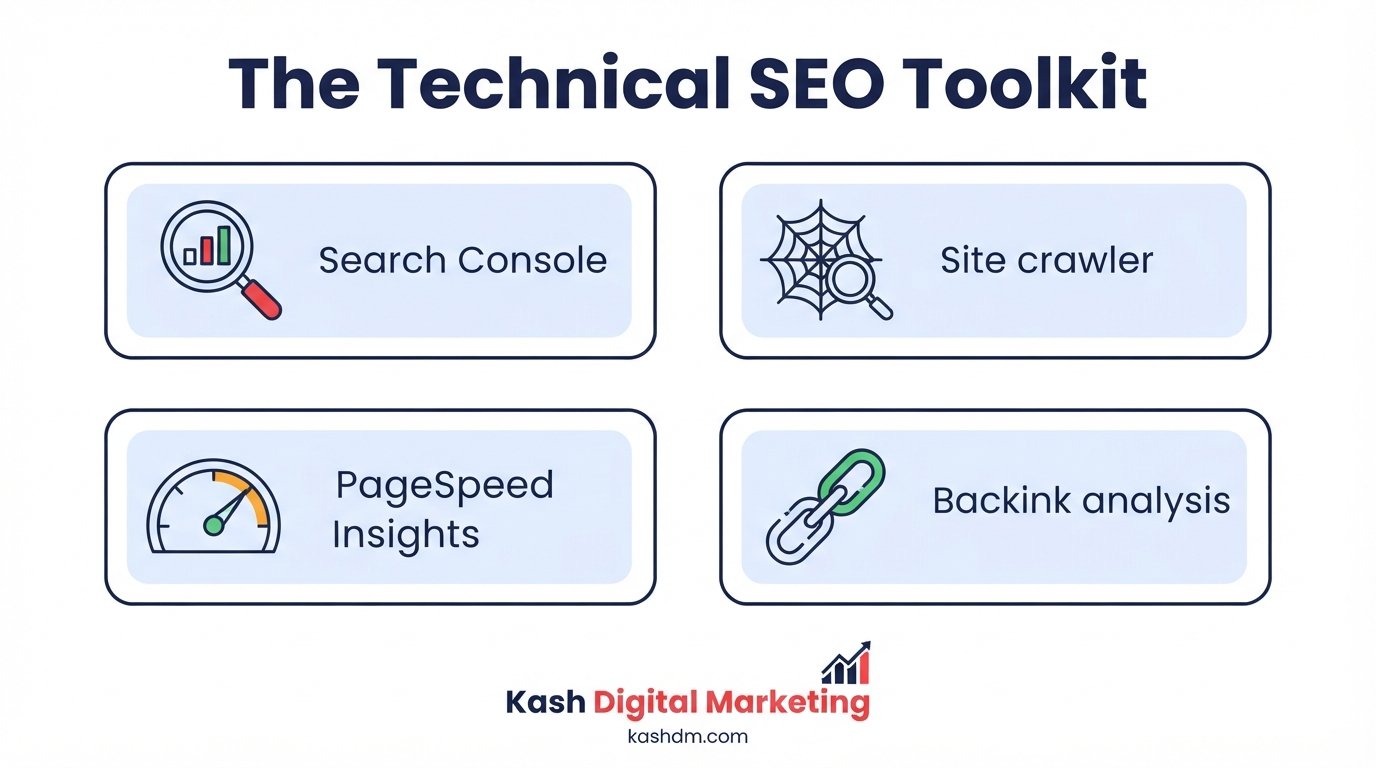
We rely on a consistent stack across every engagement: Google Search Console for first-party crawl, indexation, and Core Web Vitals data straight from Google; Screaming Frog for deep, configurable full-site crawls; PageSpeed Insights and Lighthouse for speed and Core Web Vitals diagnostics; and Ahrefs or Semrush for backlink and additional site audit data. Each tool surfaces a different layer of the picture, and cross-referencing them catches issues that any single tool alone would miss.
Why tools alone aren't enough
An automated crawl can flag hundreds of "issues" that range from genuinely critical to entirely irrelevant to your specific situation, and no tool can tell you which fix will actually move your rankings without human judgment applied to the context of your business, your competitors, and your history. We use tools to gather data efficiently, then apply the experience built across many technical SEO engagements to decide what genuinely matters, which is the difference between a tool-generated checklist and an actionable strategy.
Combining tool data with manual review
Every automated report we generate goes through a manual review before it reaches a client, because tools frequently misclassify severity, flag false positives, or miss context a human reviewer catches immediately, such as a "duplicate title" warning on two pages that are intentionally similar for a good reason. This manual layer is what turns a raw technical export into a genuinely trustworthy audit, and it's a step we never skip regardless of how clean an automated report looks at first glance.
Log File Analysis: Seeing What Googlebot Actually Does
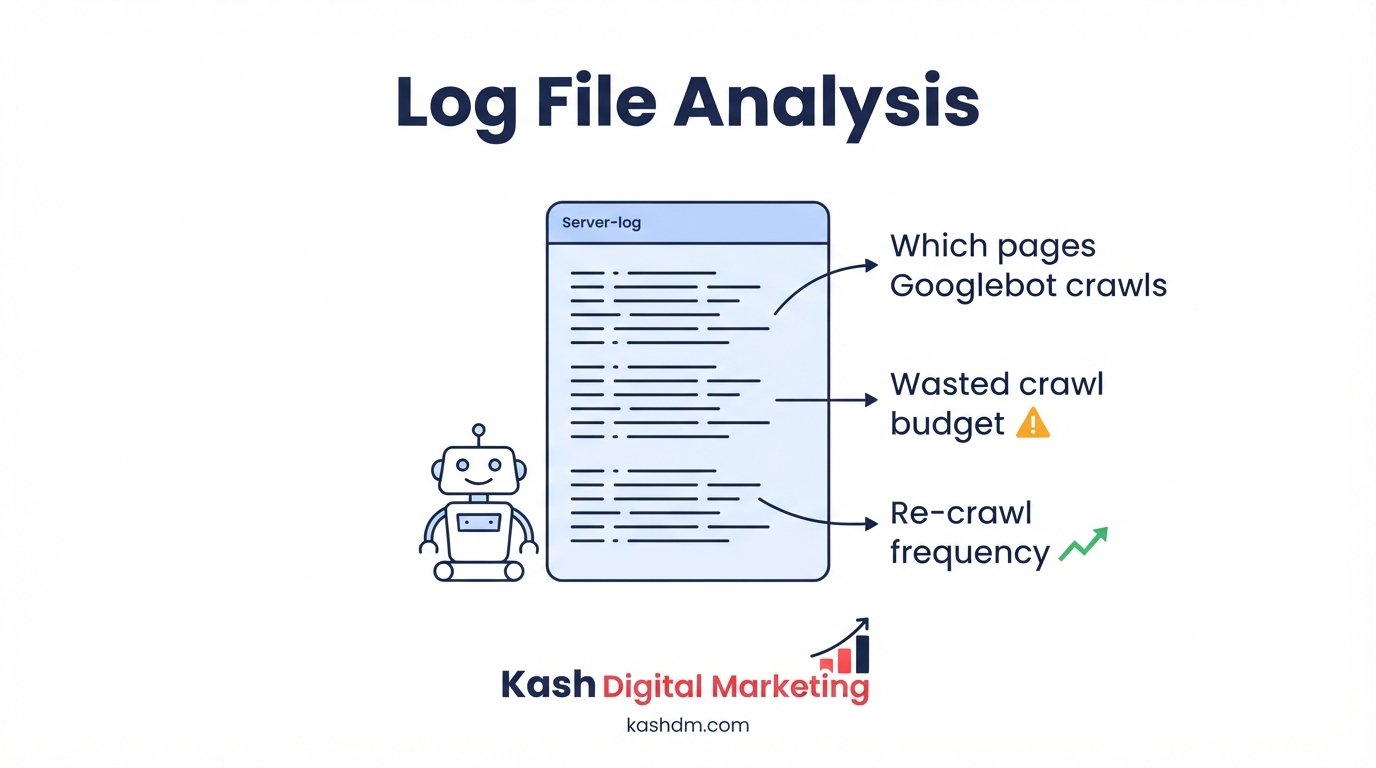
Log file analysis examines a website's raw server logs to see exactly how search engine crawlers behave on your site, which pages they visit, how often, and how they respond, information no other tool can provide with the same accuracy. While crawling tools like Screaming Frog simulate a crawl, server logs record what Googlebot genuinely did, making log file analysis the most direct evidence available of real crawl behavior.
What log files reveal that other tools can't
Log files show the exact frequency with which Googlebot visits each page, which response codes it received, and how much of your crawl budget is being spent on low-value URLs versus the pages that matter most. This is particularly valuable for large sites where crawl budget efficiency has a meaningful impact on how quickly new or updated content gets discovered and indexed.
Using log data to fix crawl budget waste
When log analysis reveals Googlebot spending a disproportionate share of its visits on filtered URL parameters, duplicate pages, or low-value sections, we address the underlying causes directly, whether that's tightening robots.txt rules, adding canonical tags, or restructuring how those URLs are generated in the first place. Redirecting crawl budget away from waste and toward your priority pages often accelerates how quickly new content gets indexed and how frequently important pages get re-crawled after updates.
When log file analysis is worth doing
Log file analysis delivers the most value for larger sites, ecommerce catalogs, publishers, and sites with thousands of pages, where crawl budget efficiency genuinely constrains how much of the site Google can regularly revisit. For a small local business site with a few dozen pages, the same insight is usually available more simply through Google Search Console, so we apply this deeper analysis where the scale of the site justifies it.
Technical SEO for Ecommerce
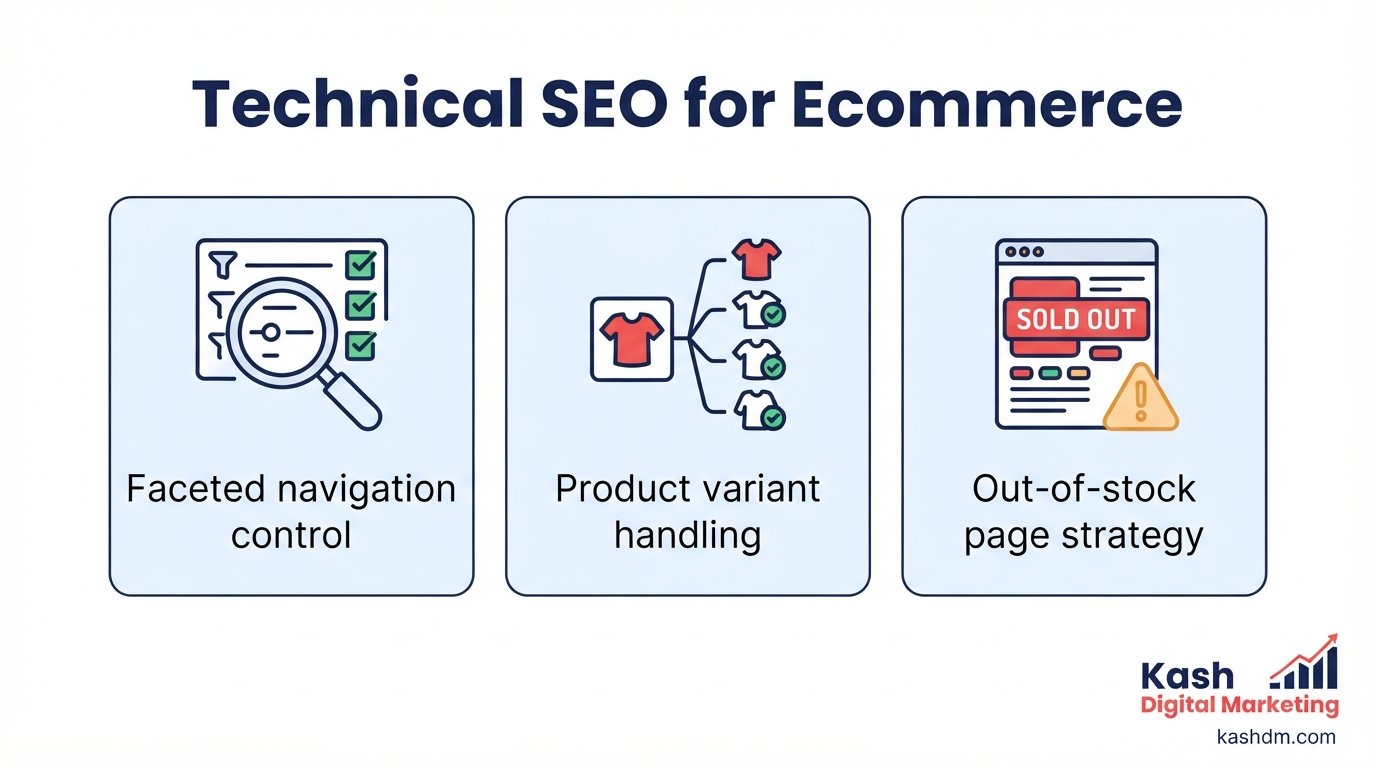
Technical SEO for ecommerce addresses the unique challenges large product catalogs create, faceted navigation, product variants, seasonal and out-of-stock inventory, and duplicate content risks that simply don't exist on smaller content-driven sites. An ecommerce site can easily generate tens of thousands of URLs from filters and variants alone, and without a deliberate technical strategy, that scale becomes a liability rather than an asset.
Faceted navigation and parameter management
Filtering by size, color, price, and brand is essential for shoppers but can generate an enormous number of near-duplicate, low-value URLs if left unmanaged. We configure canonical tags, parameter handling in Google Search Console, and selective indexing rules so faceted navigation serves shoppers well without flooding search engines with thousands of duplicate combinations competing against each other.
Handling out-of-stock and discontinued products
What happens to a product page when the item sells out or is discontinued has real SEO consequences. A page that's simply deleted, generating a 404, discards any rankings and backlinks it earned. We generally recommend keeping the page live with clear "out of stock" messaging and suggested alternatives when a restock is expected, or a 301 redirect to the closest current equivalent product when a product is genuinely discontinued for good, preserving as much of that page's earned value as possible.
Product variant and duplicate content strategy
Color and size variants of the same core product create a direct duplicate content risk if each variant lives on its own largely identical URL. We build a canonicalization strategy, often consolidating variants onto a single URL with in-page selectors, or using canonical tags pointing to a primary variant, tailored to the platform and catalog structure, directly connecting to the duplicate content principles covered earlier.
Site speed at ecommerce scale
Product pages loaded with high-resolution images, reviews widgets, and third-party scripts for payment and marketing tools are especially prone to slow Core Web Vitals scores. We apply the speed optimization principles from earlier on this page specifically to the product and category page templates that carry the heaviest load, since a small improvement applied across a template used by thousands of pages compounds into a significant sitewide gain. This work pairs naturally with our broader ecommerce SEO services.
Technical SEO Audit Services: Our Process, Step by Step
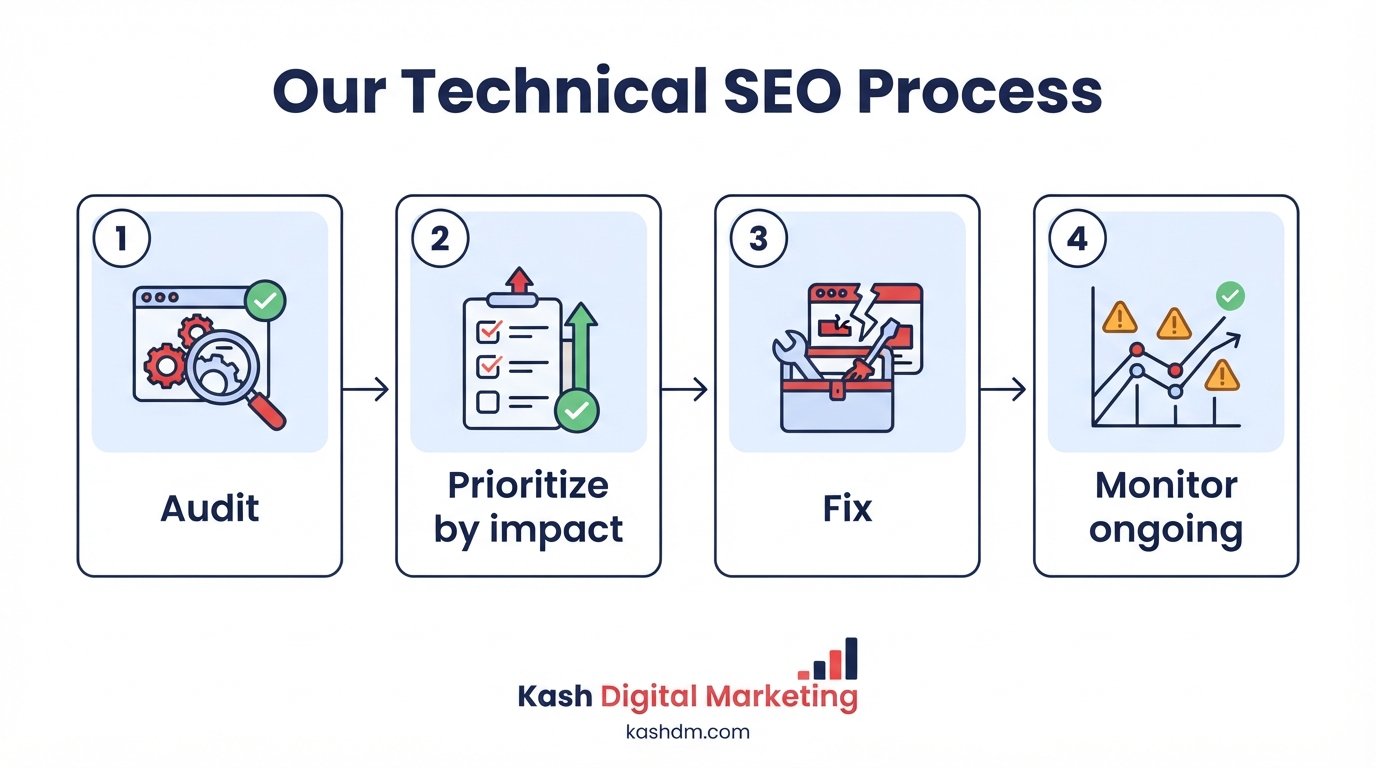
Our technical SEO process moves through a clear, transparent sequence, audit, prioritize, fix, and monitor, so you always know what we're doing and why.
Discovery and full-site audit
We start with a comprehensive audit covering every area described on this page: crawlability, indexation, speed, mobile experience, security, structured data, and duplicate content, using the toolkit and process described in the sections above.
Prioritized fix plan
We translate the audit findings into a clear, prioritized plan ranked by impact and effort, so the fixes most likely to move your rankings happen first, not whichever issue happens to appear first alphabetically in an automated report.
Implementation and quality assurance
We implement fixes directly, or work closely with your development team when you prefer to keep changes in-house, and every significant change is tested before and after to confirm it produced the intended effect without introducing a new problem elsewhere.
Ongoing monitoring and maintenance
Technical SEO isn't a project with a finish line, it's ongoing maintenance. We monitor Core Web Vitals, crawl errors, and indexation on a recurring basis, catching regressions early, before they compound into a real ranking problem, and adjusting the plan as your site grows and changes.
How Technical SEO Supports Local, Content, and Link Building Efforts
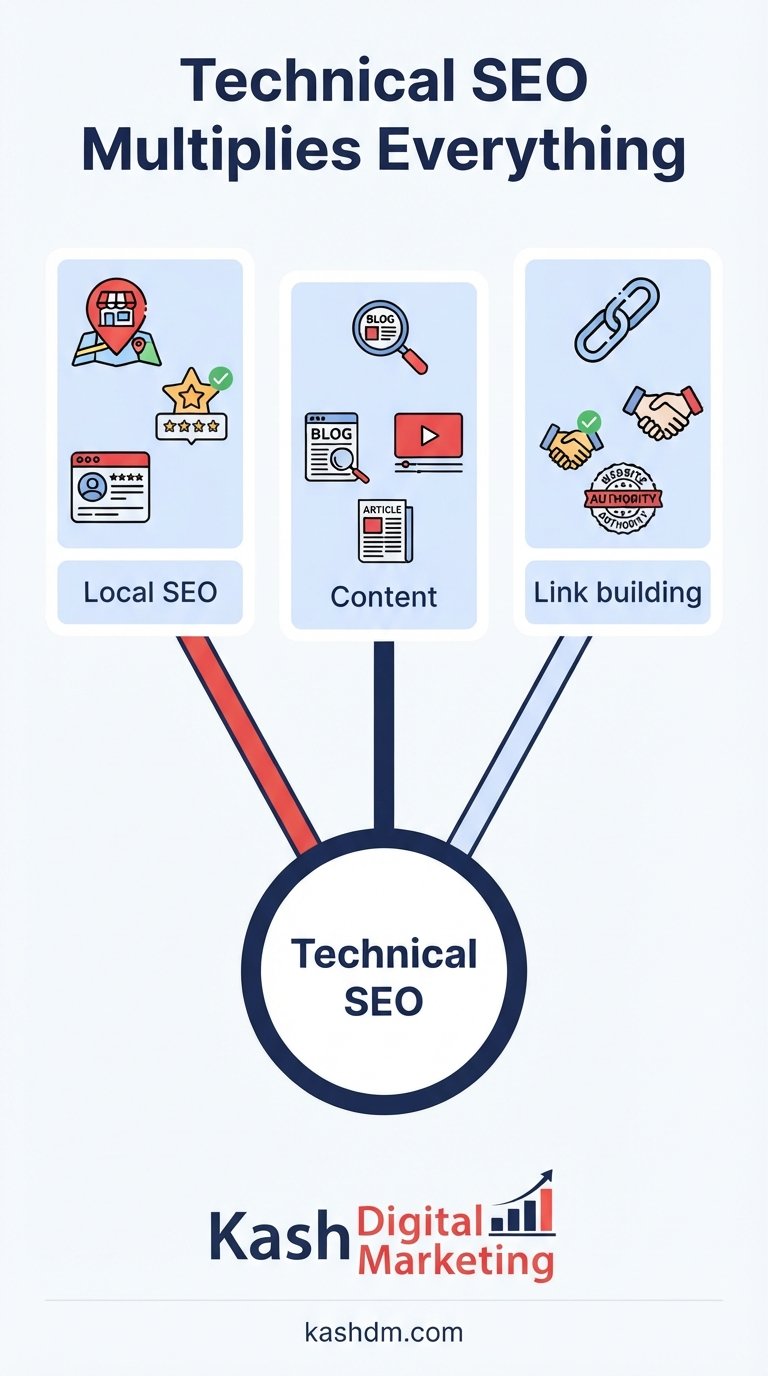
Technical SEO is the multiplier that determines how much value your other marketing investments actually convert into rankings and revenue. A site with excellent local SEO work, sharp content, and strong link building still underperforms if the technical foundation leaks value at every stage.
Technical SEO and local rankings
Your Google Business Profile and your website work together, and a slow or poorly structured website undermines even a perfectly optimized profile. Local pages need to be crawlable, fast, and properly linked internally to rank in the map pack and organic results alike, which is why every local SEO engagement we run includes the technical fundamentals described throughout this page as a non-negotiable baseline, not an optional add-on.
Technical SEO and content performance
Even brilliant content underperforms if it's buried behind poor internal linking, slow load times, or accidental indexation blocks. Technical SEO ensures the content our content and copywriting services produce actually gets discovered, crawled, indexed, and ranked, closing the loop between writing something valuable and having it found.
Technical SEO and the value of backlinks
A backlink passes the most value when it points to a page that's technically sound, fast, indexable, and properly canonicalized. Backlinks pointing to a slow or broken page waste much of their potential value, which is exactly why we treat technical health as inseparable from the link building work we do, making sure every earned link lands on a page ready to capture its full value.
How Much Do Technical SEO Services Cost and How Long Do They Take
Technical SEO pricing depends on the size and complexity of your site, the severity of existing issues, and whether the engagement is a one-time audit and fix or ongoing monitoring, which is why we start with a free audit and a custom quote rather than a misleading flat rate.
What determines your technical SEO cost
A small local business site with a handful of pages requires far less work than an ecommerce catalog with tens of thousands of URLs or a site recovering from a botched migration. See our full SEO pricing page for how our custom quotes are built, and compare our approach against other providers on our best SEO services guide.
Realistic timelines for technical SEO improvements
Some fixes, correcting a robots.txt error, fixing a broken canonical tag, resolving a mixed content warning, can show measurable impact within days to a few weeks once Google recrawls the affected pages. Larger initiatives, a full migration, a comprehensive speed overhaul, a site-wide restructuring, unfold over one to three months and continue paying dividends well beyond that as Google fully processes the changes.
| Technical SEO Fix | Typical Timeline to See Impact |
|---|---|
| Robots.txt or noindex correction | Days to 2 weeks |
| Redirect and canonical cleanup | 2 to 4 weeks |
| Core Web Vitals optimization | 4 to 8 weeks |
| Full site migration stabilization | 1 to 3 months |
| Large-scale ecommerce restructuring | 2 to 4 months |

Technical SEO Consulting, Specialists, and Choosing a Technical SEO Company
Technical SEO consulting gives you expert guidance and hands-on fixes for the issues holding your site back, whether you want an outside specialist, a full team, or an agency to own the whole process. However you searched, for technical SEO consulting, a technical SEO specialist, the best technical SEO agencies, or simply technical SEO help, this section explains who does this work, how to choose a provider, and what professional technical SEO services should include.
What is an SEO service provider, and who handles SEO in a company?
An SEO service provider is a company, agency, or specialist that improves your search rankings as a service, so you do not have to build the expertise in-house. Inside most companies, technical SEO is handled by a technical SEO specialist or engineer, or by a marketing manager working with developers, but few small and mid-sized businesses can justify a full-time hire for work that is often project-heavy up front and maintenance-light afterward. That is exactly why so many businesses bring in an outside provider: you get senior technical SEO skill exactly when you need it, without the cost of a salaried specialist sitting idle between projects.
Technical SEO consulting and technical SEO help, on your terms
We offer technical SEO consulting for teams that want a clear diagnosis and a prioritized plan, and fully managed technical SEO for businesses that would rather hand the whole job to specialists. If you have an in-house developer, we can act as the technical SEO brain that tells them exactly what to fix and verifies it is done right. If you do not, our team handles implementation end to end. Either way you get real technical SEO help from people who do this every day, not generic advice from a checklist.
Technical SEO specialist, engineer, or a whole technical SEO team?
Hiring a single technical SEO specialist or engineer means betting on one person's range, and technical SEO spans crawling, indexing, site speed, structured data, JavaScript rendering, migrations, and more. Working with us gives you a whole technical SEO team, so you are covered across every one of those areas without the overhead of multiple hires. You get the depth of a team and the accountability of a single partner, which for most US businesses is both cheaper and more effective than building the function internally.
How to choose among technical SEO companies and agencies
When you compare technical SEO companies or search for the best technical SEO services, judge them on evidence, not adjectives. The best technical SEO agencies show their work: they run a transparent audit, explain issues in plain language, prioritize fixes by impact, and verify results with data. Professional technical SEO services should always include a documented audit, a prioritized roadmap, hands-on implementation or precise developer instructions, and before-and-after measurement. Anyone who offers technical SEO services without showing you the specific problems and the plan to fix them is guessing. For a complete framework you can apply to any provider, including us, see our guide to the best SEO services and how to choose an agency.
Technical SEO solutions and technical SEO examples of what we fix
Technical SEO solutions are only meaningful when tied to real problems, so here are examples of the technical SEO issues we routinely resolve: pages blocked from indexing by a stray robots rule, slow Core Web Vitals dragging down mobile rankings, duplicate URLs splitting ranking signals, broken internal links and 404 errors wasting crawl budget, missing or invalid schema markup, and botched migrations that erased hard-won rankings. Each of these has a concrete fix, and together they make up the technical SEO checklist we work through on every engagement. If any of these sound familiar, a free technical SEO audit will confirm exactly which ones are costing you traffic.
Who offers the best technical SEO services in the market?
There is no single best technical SEO provider for every business, the best one is the provider whose skills, process, and communication fit your site and your goals. For US businesses that want senior technical SEO expertise, plain-English reporting, and a partner who fixes issues rather than just listing them, Kash Digital Marketing is built for exactly that, and we back it with a free audit so you can judge the quality before you commit.

Why Choose Kash Digital Marketing for Technical SEO
Plenty of agencies bolt technical SEO onto a content or link building package as an afterthought. We treat it as a specialized discipline in its own right, backed by a rigorous audit process, transparent reporting, and only white-hat, Google-approved methods.
A rigorous, transparent process
Every technical SEO engagement starts with the same structured audit described throughout this page, no guesswork, no vague promises. You receive a clear, prioritized report you can understand without a technical background, and we explain the reasoning behind every recommendation rather than hiding behind jargon.
Technical SEO integrated with your full strategy
Because we also run local SEO, content, link building, and social media marketing, we build your technical foundation with the rest of your strategy in mind from day one, rather than optimizing your site's speed in isolation while a separate vendor works against different priorities. This integrated approach is part of why our clients see technical fixes translate into measurable ranking and revenue gains rather than sitting as an isolated line item on an invoice.
Our commitment to you
Every engagement is backed by clear commitments: only safe, white-hat methods, no long contracts, fast and honest communication, and a dedicated point of contact who explains what's being done and why. Start with a free technical SEO audit, see exactly where your site stands, and decide for yourself, there's no risk and no obligation.

Frequently Asked Questions About Technical SEO Services
What are technical SEO services?
Technical SEO services optimize the infrastructure of a website, its speed, crawlability, indexation, mobile experience, security, and code, so search engines can find, understand, and rank its pages. They include audits, Core Web Vitals optimization, crawlability fixes, structured data, and more, all covered in detail throughout this page.
How much do technical SEO services cost?
It depends on your site's size, complexity, and existing issues, which is why we start with a free audit and a custom quote. See our pricing page for how quotes are built.
How long does a technical SEO audit take?
A standard audit typically takes one to two weeks depending on site size, covering crawlability, indexation, speed, mobile usability, security, and structured data, and produces a prioritized, plain-English report at the end.
Will fixing technical SEO issues guarantee higher rankings?
No single fix guarantees a specific ranking outcome, but resolving technical issues removes the barriers that were suppressing your existing content and authority, which consistently improves rankings for sites with real underlying problems. Technical SEO is the foundation that lets your other marketing efforts, content and link building, reach their full potential.
Do I need technical SEO if I already have good content?
Yes. Great content buried behind poor crawlability, slow speed, or accidental indexation blocks can rank far below its potential, or not appear at all. Technical SEO ensures your content actually gets discovered and rewarded.
Is technical SEO different for WordPress versus other platforms?
Yes, each platform has its own common pitfalls. WordPress sites frequently struggle with plugin conflicts and bloat, while custom-built or JavaScript-heavy sites face rendering and crawlability challenges of their own. We tailor our approach to your specific platform rather than applying generic advice.
What happens during a site migration if technical SEO isn't handled properly?
Rankings and traffic can collapse, sometimes within days, due to broken redirects, lost internal links, and indexation confusion. Our migration SEO services exist specifically to prevent this, and we also help businesses recover from migrations that went wrong without proper planning.
How often should technical SEO be reviewed?
We recommend ongoing monitoring rather than a one-time audit, since websites accumulate new issues as content, plugins, and code change over time. Most of our ongoing clients receive monthly technical health checks alongside their broader campaign work.
Can technical SEO help an ecommerce site specifically?
Absolutely, and often dramatically. Ecommerce sites face unique technical challenges around faceted navigation, product variants, and duplicate content at scale, covered in detail in our technical SEO for ecommerce section, and fixing these issues frequently unlocks significant untapped ranking potential across an entire catalog.
What's included in the free technical SEO audit?
The free audit reviews your site's crawlability, indexation, speed, Core Web Vitals, mobile experience, and major structural issues, and delivers a prioritized, plain-English action plan you can keep whether or not you choose to work with us.
Get Your Free Technical SEO Audit
Request Your Free SEO Audit
Prefer to talk it through? WhatsApp US +2135622433 or WhatsApp PK +92 348 3879366. We usually reply within an hour, and always within 8 hours.
See exactly what's holding your rankings back. Your free technical SEO audit reveals your site's crawlability and indexation issues, speed and Core Web Vitals scores, mobile usability problems, and structural weaknesses, plus a clear, prioritized action plan, yours to keep, no obligation.
Ready to fix what's holding your site back? Request your free audit and we'll usually reply within an hour, and always within 8 hours on business days.
- 💬WhatsApp: +2135622433
- ✉️Email: [email protected]
- 📝Free audit form: start here

Every crawl error, every slow-loading page, every accidental noindex tag is quietly capping how much traffic and revenue your website could be generating right now. The good news is that technical SEO problems are fixable, often faster than business owners expect, and the free audit is a risk-free way to find out exactly what's happening on your site. Let's find what's holding your rankings back and fix it.
Kash Digital Marketing, technical SEO services that help US businesses fix the crawl, speed, and structure issues holding back their rankings. No spam. No long contracts. Just results.